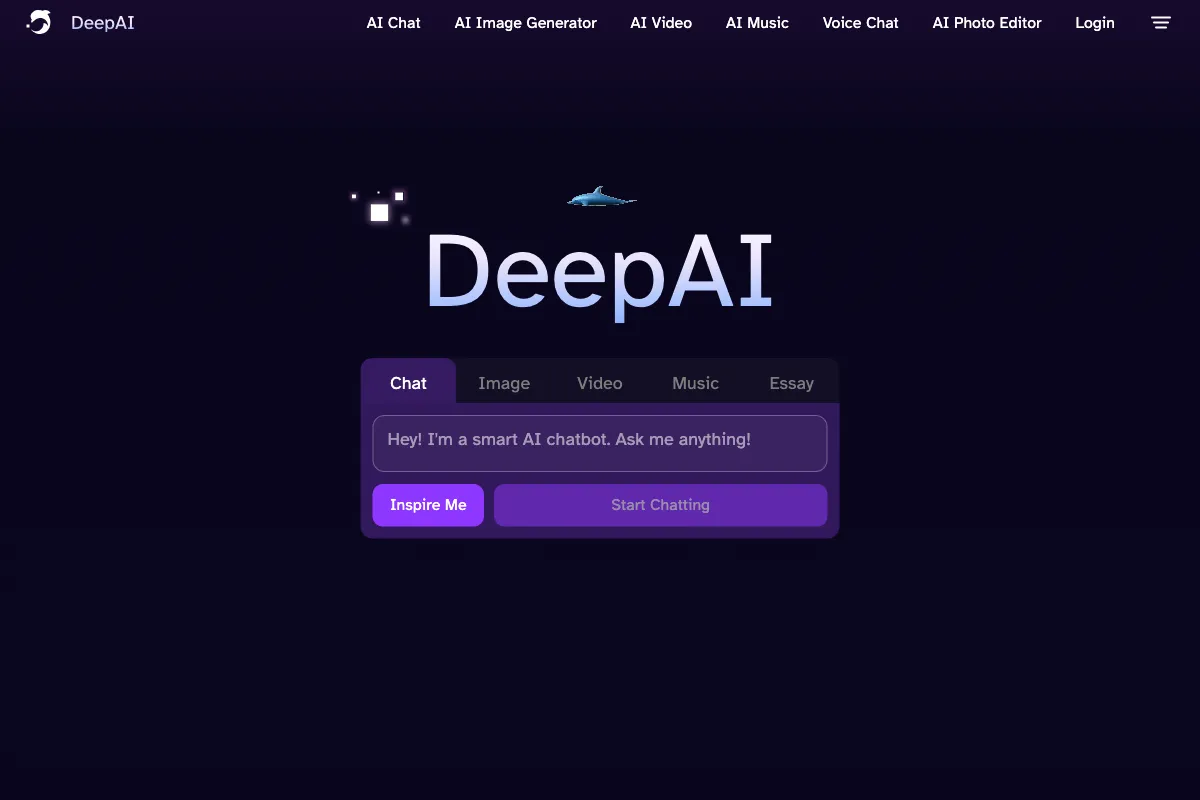
DeepAI is an online platform for making and editing images, creating video and music, and using chat and voice tools. It is for people who want several creative and conversational tools in one place, as well as developers who need image-related services through REST APIs. The platform addresses a practical workflow problem: switching between separate services for visual creation, editing, conversation, and other media tasks. Available tools and usage allowances differ by plan.
What can DeepAI do?
DeepAI can generate images from text and edit uploaded images using text instructions. Its editor supports reference images, while image generation offers different quality tiers. The platform also provides chat modes, video creation from text, images, and references, and music generation. Its documentation describes AI video editing as well.
- Edit an uploaded image with text instructions and up to three reference images.
- Use standard, Genius, and Super Genius chat modes; Pro adds memory and live web browsing.
- Generate video from text, images, and references, with documented video-editing capabilities.
- Create music and use AI Voice Chat, subject to plan allowances.
- Use REST APIs for image generation, editing and inpainting, super-resolution, background removal, and colorization; API access requires Pro.
DeepAI also lists a beta AI Website Builder and a Mac desktop coding app. The coding app sends prompts and relevant file contents to AI models; its page says Windows is not yet available.
Who is DeepAI best for?
DeepAI may suit creators who want image generation and editing alongside video, music, chat, and voice tools, and developers who need the documented image APIs with Pro access. It can also be considered by people exploring the beta Website Builder or the Mac coding app. Check the specific tool’s allowance before relying on it for a regular workflow, since included usage differs by plan and extra use may require wallet funds.
DeepAI pricing in brief
DeepAI has a free option and paid Pro options with different billing arrangements. The paid offering adds larger usage allowances and features such as API access, memory, live web browsing, the full photo editor, and ad-free use. Allowances apply to individual tools, and extra usage can draw on prepaid wallet funds. Review the current pricing page to compare the included limits before choosing.
Limitations to know about DeepAI
Free allowances are limited, and continued use beyond plan allowances requires a positive prepaid wallet balance. Video beyond its included allowance is metered. DeepAI’s documentation says that uploading an image to the video generator gives DeepAI the right to share the image and video publicly, so review the terms before uploading sensitive material. AI Voice Chat does not perform real-time internet searches. The coding app is described as available for Mac, with Windows not yet available on its page.
Alternatives to DeepAI
For a different general-purpose chat option, ChatGPT may be worth comparing. Google Gemini is another chat-focused alternative. If the priority is a conversational assistant rather than a collection of image, video, music, and editing tools, Claude is another option to evaluate. Compare each service’s current features and terms against the tasks you need to do.


