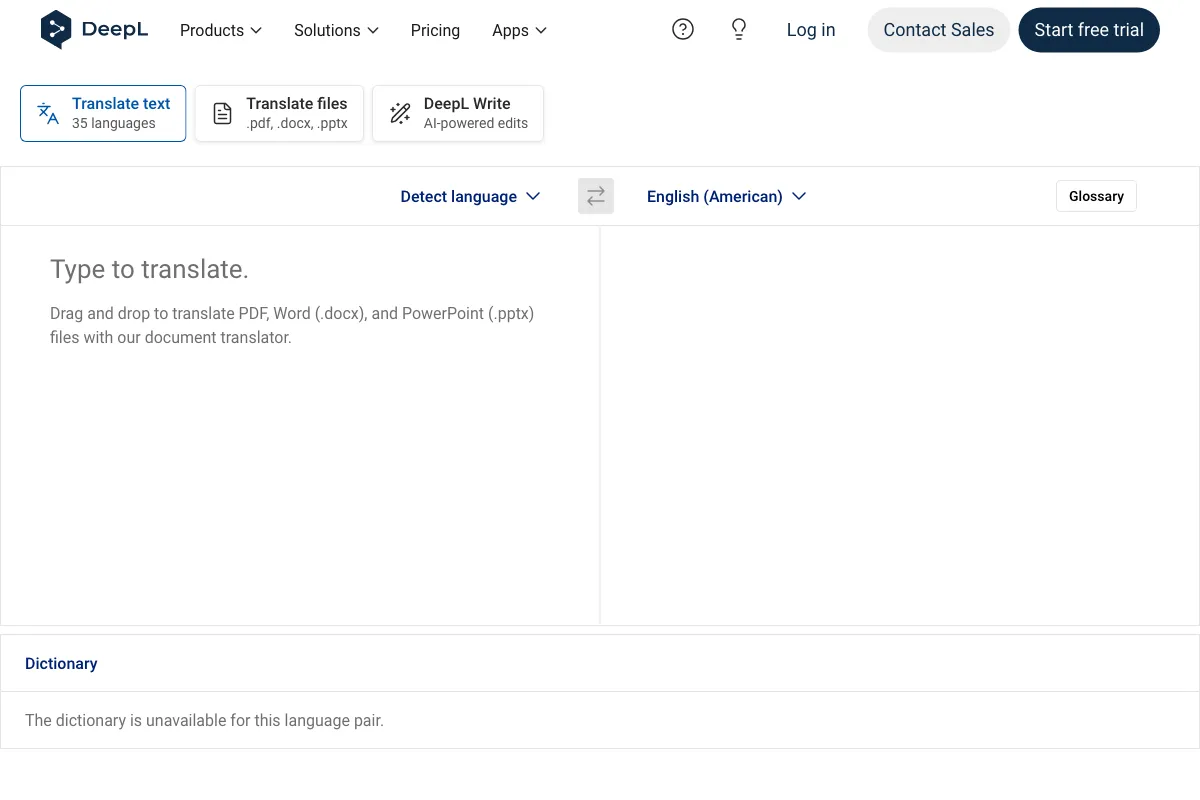
DeepL Translator turns typed text and documents into translations across more than 100 languages, according to DeepL’s product information. It is for people who need to understand or prepare text in another language, and for teams handling translation as part of their work. Document translation preserves the original formatting and layout, helping readers work with translated files without losing their structure.
Alongside text and document translation, the product includes options such as glossaries and style rules on applicable plans. Voice features, a mobile app, API access, and workflow tools address different ways people translate conversations, files, and content. The available allowances and access depend on the selected plan.
What can DeepL Translator do?
DeepL Translator translates typed text and documents. Its document feature preserves original formatting and layout, while glossaries, style rules, and customization options can help shape translations on applicable plans.
Translation is also available through voice, mobile, API, and workflow capabilities. Specific access can depend on the product or plan.
- Translate typed text across more than 100 languages, according to DeepL’s product information.
- Translate documents while preserving their original formatting and layout.
- Use real-time voice translation for virtual meetings and in-person conversations through DeepL Voice.
- Use the mobile app for camera and photo translation, dictation, text-to-speech, and file translation.
- Connect translation, text improvement, and speech-related capabilities to products through the REST API.
Who is DeepL Translator best for?
It suits individuals who translate text or files, and teams that need translation alongside shared administration and bulk file handling. People working with spoken conversations can consider its voice capabilities. Developers can use the REST API to integrate translation and related capabilities into products or platforms. Organizations planning a translation workflow across content systems and cloud storage can assess Translation Flow. Check the plan details to confirm that its allowances and access match the intended use.
DeepL Translator pricing in brief
DeepL Translator has a free version alongside paid individual and team options, business and enterprise offerings, and separate API plans. Some options use custom pricing or usage-based pricing. Web or desktop Translator access is not included with certain API plans, so compare the plan scope as well as the pricing model before choosing.
Limitations to know about DeepL Translator
Plan allowances differ: character and file translation limits apply to several options, and some plans restrict access to the web or desktop Translator. The Business character allowance is subject to a fair-use policy, while the Enterprise and Enterprise API details describe custom commitments rather than fixed allowances. Prices and features may vary by locale, billing selection, or legacy account. Confirm the current terms for your location and account before making a decision.
Alternatives to DeepL Translator
For related writing and language tasks, Grammarly can help with writing assistance, while QuillBot offers another option for text work. These tools are alternatives to consider for adjacent writing needs; the verified facts here do not establish that they provide the same translation features as DeepL Translator.


