
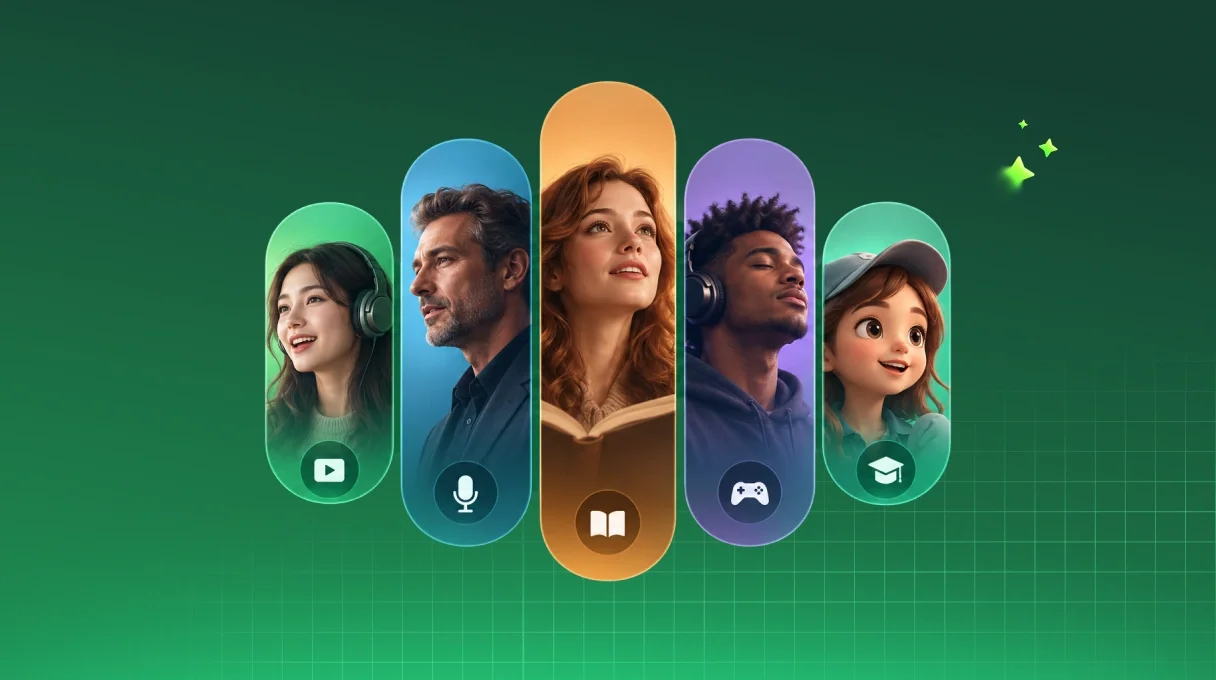
FineVoice AI is a set of tools for making and editing spoken audio. It turns written text into speech, changes recorded voices and transcribes audio back into text. Creators making narrated videos, podcasts or other audio projects can also use it for dubbing, sound effects and background music. Those jobs often call for separate recordings and production tools. FineVoice brings several of the steps into one service, though the right plan depends on how much text or audio a project uses.
What can FineVoice AI do?
For narration, you can enter text and choose from a voice library spanning many languages and accents. FineVoice also offers instant cloning from a short, clear recording and professional cloning from longer, high-quality recordings. If you already have an RVC voice model, you can upload it for voice conversion or text to speech. The service includes tools to change a voice, enhance audio and transcribe speech.
Video makers can translate audio, dub a video or create a talking video from a still photo. FineVoice also generates background music and sound effects. Its Aunio audio-production agent takes a project description and assembles voiceovers, music, sound effects and finished audio. The reviewed facts do not establish whether a FineVoice subscription includes an Aunio plan, so check that separately if the agent is central to your project.
Who is FineVoice AI best for?
FineVoice AI suits someone who needs spoken narration and related audio work in the same project. A creator might generate a voiceover, prepare translated audio for a video and add music or sound effects. Someone working with recordings may be more interested in transcription, voice changing or audio enhancement. Voice cloning is available for projects that need a particular voice, but the recording requirement differs between the instant and professional options. Choose based on the actual tools and allowances you expect to use.
FineVoice AI pricing in brief
FineVoice lists a free tier for evaluation and several paid subscription tiers. The paid tiers differ in their text to speech conversion allowances, while the comparison table sets submission limits that still matter when preparing a script. The free tier has a separate restriction on how its output may be used. Review the plan comparison and terms before choosing a tier, especially if you intend to use the finished audio for work rather than personal evaluation.
Limitations to know about FineVoice AI
The free tier has a daily text to speech allowance, and its output is restricted to personal, non-commercial and internal evaluation use. Two paid tiers have monthly character allowances. On the listed paid tiers, a text to speech submission cannot exceed the stated input cap, so a longer script needs to be split. Speech to text submissions also have a duration limit on every listed tier. Unused characters and minutes do not carry over. The pricing comparison's claim about the highest tier's conversion quota conflicts with a figure on another official voice page, so confirm the applicable allowance before relying on it.
Alternatives to FineVoice AI
Consider CapCut if you want to place generated narration on a video editing timeline. Artlist is another option for voiceovers alongside music and sound effects. Canva may suit a project that pairs spoken narration with a talking photo or other visual design. Compare the specific audio task you need to complete, rather than assuming that these tools share the same cloning, transcription or usage allowances.