
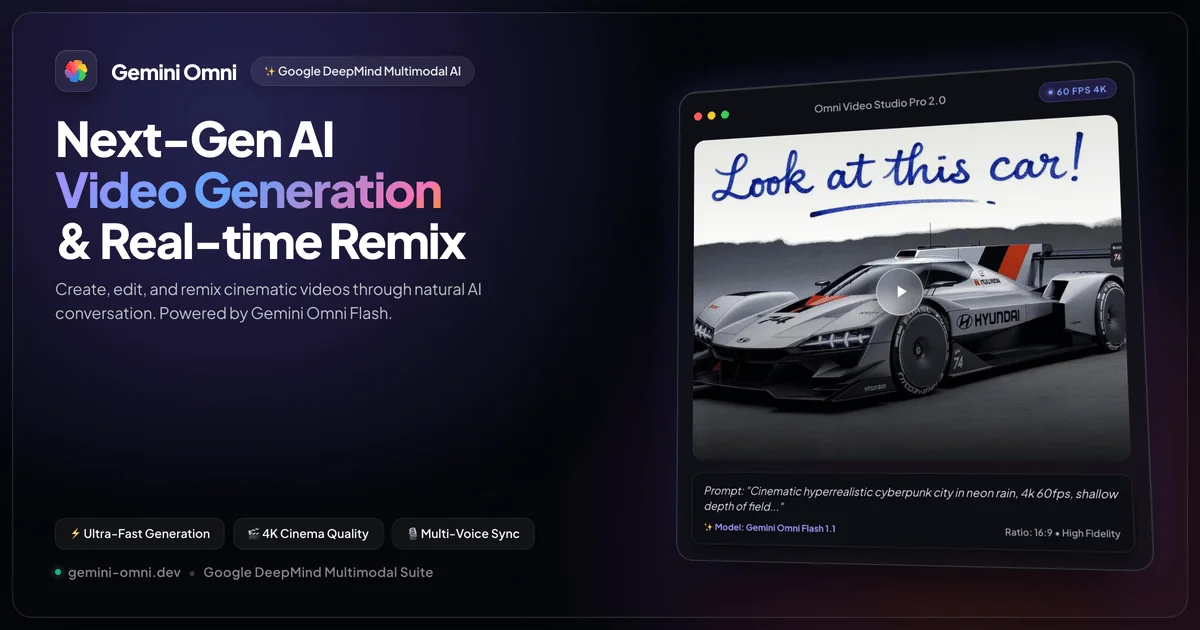
Gemini Omni is Google’s video creation and editing tool for people who want to turn prompts and reference material into video, then shape the result through conversation. It addresses a common production task: making a scene from an idea or existing material and refining details without starting the whole edit over. Inputs can include text, images, video and audio, with official materials specifying voice references for audio input. The workflow also supports extending scenes and changing elements in an existing video.
It is aimed at creators, marketers and other people developing short visual stories who want to direct changes in ordinary language. Rather than treating each request as a separate output, Omni supports multi-turn edits, so instructions can build on earlier changes. Google also describes video generation access through its Gemini app and Google Flow, with subscription features and availability varying.
What can Gemini Omni do?
Omni can generate video from text and reference material, and work with existing footage. A prompt can describe a scene, while images or video can guide its content or visual direction. Google says users can provide up to five photo references for video creation. Audio input is narrower: official materials identify voice references as the initial supported audio-reference type.
After generating a clip, users can request changes in a conversational, multi-turn workflow. Edits can alter action, environment, style or camera angle, and scene extension can continue footage. Video output includes audio. Google also describes optional AI avatars that look and sound like the user, and says the system applies world knowledge such as physics, history, science and cultural context.
- Generate video from text, image and video references, with voice references supported as audio input.
- Create a video using up to five photo references.
- Refine video through successive conversational instructions.
- Change action, environment, style or camera angle, or extend a scene.
- Generate video with audio and optionally use an AI avatar resembling the user.
Who is Gemini Omni best for?
Omni is suited to people who need to develop or revise video scenes from prompts, reference images or existing footage. It may fit creators iterating on a visual idea, or teams wanting to explore changes to a scene’s action, setting or camera direction through successive instructions. People choosing access should check which Google subscription or product they use and what is available in their location, since Google notes that access and features vary.
Gemini Omni pricing in brief
Omni access is described through Google’s subscription offerings and related products rather than a verified standalone Omni price. The listed options include a free tier and paid tiers, with video generation access and Flow credits specified for some paid subscriptions. The free tier lists many Gemini features but does not list Omni video generation as included. Feature access can depend on tier and geography.
Limitations to know about Gemini Omni
Google’s plan information does not provide a complete Omni-specific availability matrix by region or subscription tier, so the exact access a reader gets may depend on location and plan. The free tier does not list Omni video generation as an included feature. Audio references are not described as accepting every audio type: the official materials specify voice references initially. No official standalone Omni price or per-generation charge was verified, so readers should not assume one from the subscription prices.
Alternatives to Gemini Omni
For adjacent video creation workflows, CapCut is a comparison to consider for editing video, while Pippit is another option to compare for creating video content. Crayo offers another point of comparison for AI-assisted video creation. These links identify alternatives on this site; their features and pricing are not assessed here. Compare each tool’s current listing against the specific input, editing and access needs of your project before choosing.


