
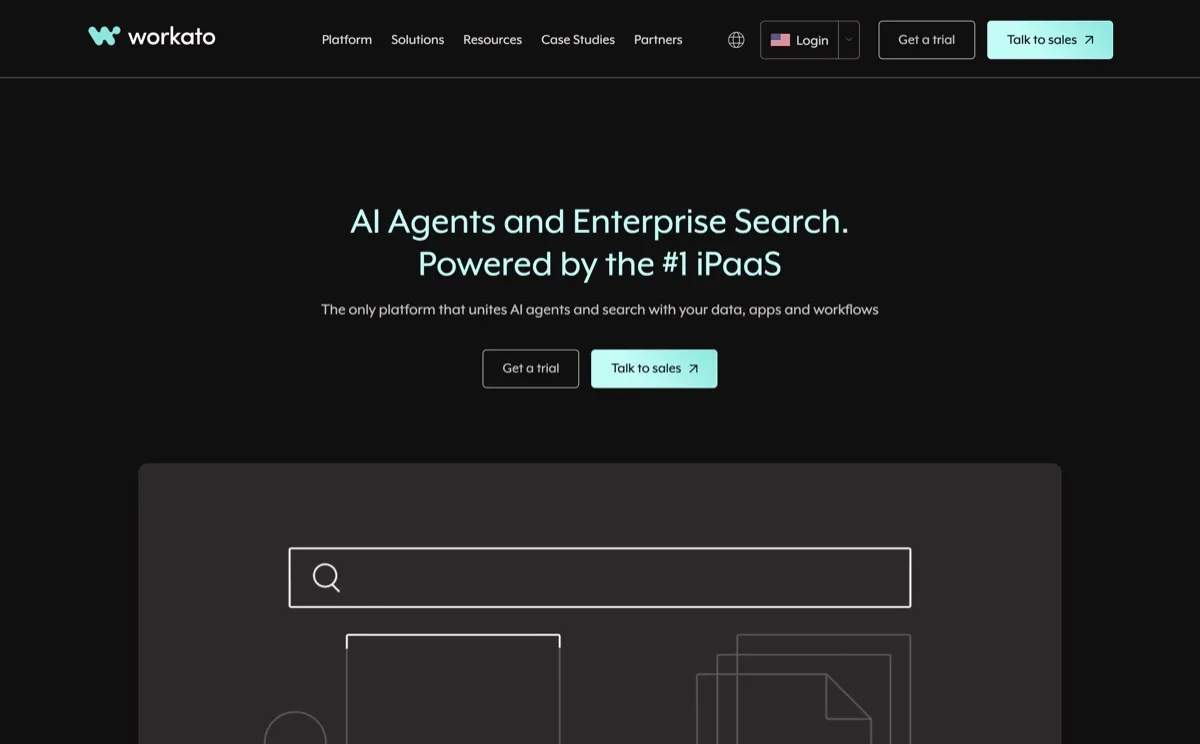
Workato is a platform for connecting business applications and automating workflows. Teams use recipes to respond to triggers in connected apps and carry out actions across systems. Its connectors provide authentication, triggers, and actions, while recipe lifecycle tools support work across development, test, and production environments. The platform is for organizations that need application integration and process automation, with additional options for APIs, data orchestration, and AI agent workflows.
What can Workato do?
Recipes coordinate work across connected applications. Workato documents more than 1,000 connectors, which provide the authentication and app operations recipes need. Organizations can manage recipes through separate development, test, and production environments, and the API platform supports building and managing APIs in editions that include it.
- Automate workflows across connected business applications with recipes.
- Build and manage APIs with the API platform and Platform APIs in Business MCP and later editions.
- Connect AI agents to enterprise workflows with pre-built MCP servers, an AI/MCP Gateway, and an Enterprise Skill builder in Business MCP.
- Use Data Pipelines, Event Streams, Intelligent Document Processing, AI by Workato, and Insights in Enterprise MCP.
- Use Agent Studio, Workato Knowledge Base, and Workato GO tools in Workato ONE.
AIRO can plan and build recipes, Genies, Skills, APIs, Recipe Functions, and MCP servers from a description. It can also help diagnose job failures. Which capabilities are available depends on the selected plan or edition.
Who is Workato best for?
Workato is suited to teams that need to automate processes spanning business applications, manage recipes through development and production, or build and manage APIs. Business MCP is relevant when connecting AI agents and enterprise workflows is part of the job. Organizations that need Data Pipelines, Event Streams, Intelligent Document Processing, or AI by Workato can assess Enterprise MCP. Workato ONE adds agent-building and employee assistant, enterprise search, and action board tools. Buyers should compare edition features with their required connectivity and concurrency.
Workato pricing in brief
Workato has a free option with a one-time credit grant and a self-service plan with recurring monthly credits. Paid self-service options are billed by credit card, and unused credits expire monthly. Platform editions are priced according to contract terms, with usage fees applying to direct customers on the usage-based model. The public materials list several editions, but do not provide fixed prices for those editions.
Limitations to know about Workato
The Free plan's credits are a one-time grant, so it does not provide recurring monthly credits. Pro credits expire at the end of each month, though add-on credits are available. The listed platform editions also have different concurrency and OPA allowances: Standard and Business MCP each list 1 concurrency, Enterprise MCP lists 15, and Workato ONE lists 30. Edition prices vary by contract, so buyers need a quote to compare total cost. Connector counts differ across Workato pages, with documentation listing more than 1,000 and the pricing page listing more than 1,200 pre-built connectors.
Alternatives to Workato
For teams comparing workflow automation tools, ActivePieces is another option to investigate for automation across connected services, while Make is another workflow automation tool to compare. The verified facts in this listing do not establish a feature-by-feature comparison, so review each product's current capabilities and pricing against the workflows, integrations, and governance requirements you need.


