
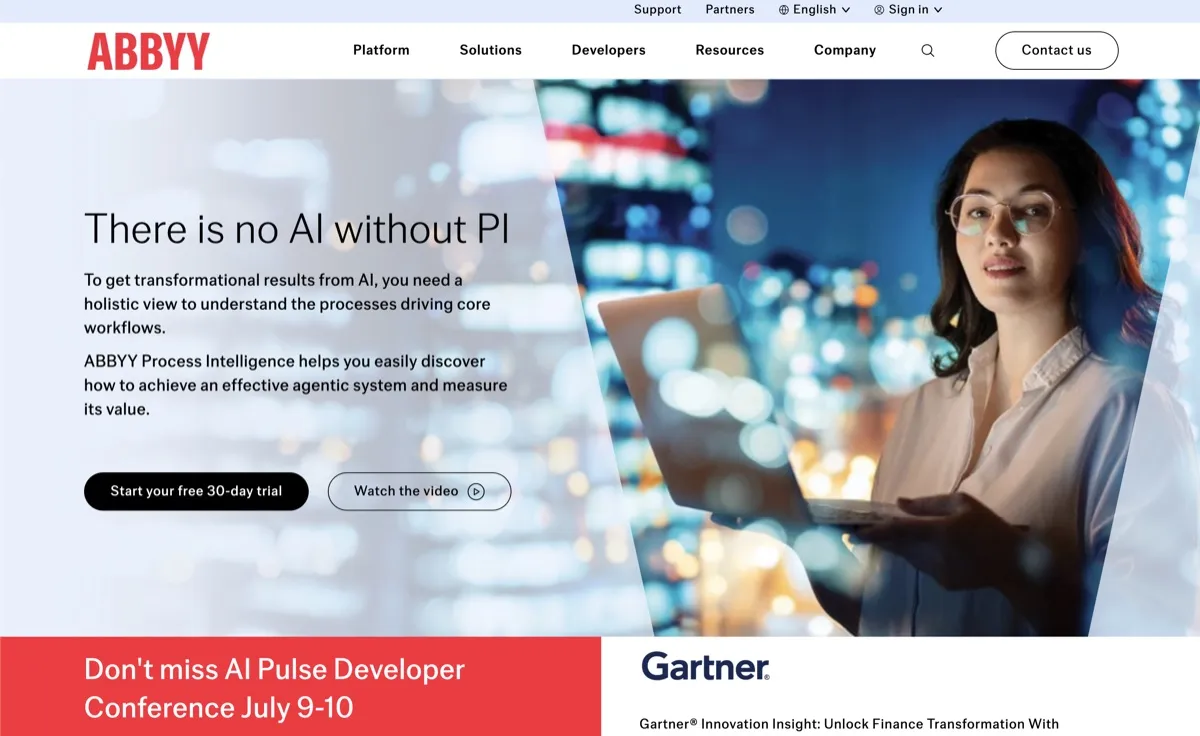
ABBYY offers different products for people who need to work with PDFs and organizations that process business documents. FineReader PDF provides tools to edit, create, convert, protect, compare, and recognize text in PDFs, scans, and paper documents. Vantage is an enterprise document-processing product that extracts structured data from documents such as invoices and receipts. The distinction matters when comparing options: a desktop PDF application handles document tasks, while Vantage supports document-data workflows with configurable skills and deployment choices.
FineReader PDF is aimed at individual users and teams working with PDFs on Windows or Mac. Vantage is for organizations that need to capture information from business documents and pass it into their processes. Both address work that otherwise involves handling documents or extracting their contents, but they are different products with different licensing and capabilities.
What can ABBYY do?
FineReader PDF supports PDF editing, creation, conversion, document comparison, and OCR. Its Windows plans include OCR for paper documents and scans. The Corporate edition adds comparison across different formats and Hot Folder automation, which processes up to 5,000 pages per month.
Vantage uses document-specific AI skills to extract structured data from invoices, purchase orders, receipts, tax forms, and other document types. Teams can start with pre-trained skills or create custom ones from sample documents. Documents can arrive through a REST API, a web interface, or connectors to automation platforms.
- Develop Vantage skills in a browser-based Skill Designer or desktop Advanced Designer.
- Use Manual Review to check and correct low-confidence fields.
- Feed operator corrections back into skills through online learning.
- Process PDFs, images, and Office documents containing printed or handwritten text.
Vantage supports recognition in 203 languages. Its deployment options include cloud and self-hosted environments, with available skills and features determined by subscription entitlements.
Who is ABBYY best for?
Choose FineReader PDF if the job is editing or converting PDFs, comparing documents, or recognizing text in scans. The Windows editions are listed with standalone licenses, while the Mac product uses Per Seat licensing. Consider Corporate when cross-format comparison or Hot Folder automation is needed, keeping the monthly page limit in mind. Vantage is intended for organizations that need to extract structured information from business documents and build that work around skills, review, and an existing submission path such as an API or automation connector.
ABBYY pricing in brief
FineReader PDF has paid Windows editions with listed annual prices, as well as a Mac product whose numeric price was not verifiable from the reviewed page. Vantage uses subscription-based commercial terms rather than a public fixed price. Its subscription defines the period, page volume, available skills, and feature set. Organizations need to contact sales for Vantage pricing.
Limitations to know about ABBYY
Vantage usage is bounded by subscription entitlements, including page volume and available features. Its price is not stated as a fixed public amount in the reviewed official sources. FineReader Corporate Hot Folder automation has a 5,000-page monthly cap. The reviewed FineReader pricing page listed only Per Seat licensing for Mac, and did not provide a verifiable numeric price for that product. These limits make the relevant product and terms worth checking before choosing a workflow.
Alternatives to ABBYY
For document-processing workflows, Automation Anywhere describes document automation that classifies documents and extracts data, with human validation for exceptions. Make offers an AI Content Extractor for pulling text and metadata from documents within automation scenarios. These alternatives are relevant when the goal is to connect document extraction with broader automated workflows. Their descriptions do not establish that they offer the same licensing, recognition languages, or deployment options as ABBYY.


