
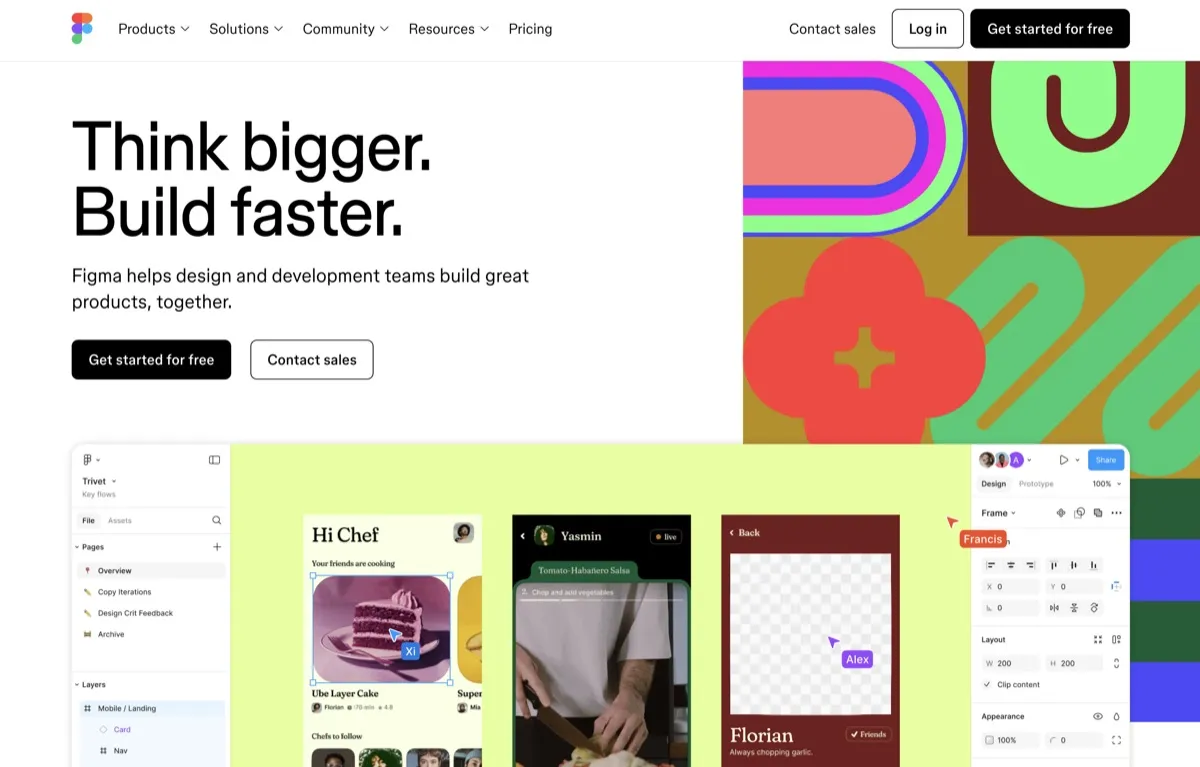
Figma is a collaborative design tool for people creating digital interfaces, prototypes, diagrams, and presentations. Designers can build screens with components, auto layout, and styles, then turn designs into interactive prototypes. The product also gives developers ways to inspect designs and coordinate handoff, while FigJam supports diagramming and shared visual work. Figma brings these activities into one product environment, with access to tools and editing rights determined by the seat assigned to each person.
What can Figma do?
Figma Design supports interface design with reusable components, auto layout, styles, and interactive prototypes. Figma Make is a prompt-to-app tool for creating interactive, high-fidelity prototypes and web apps. Figma AI can rename layers, remove image backgrounds, generate and edit images, and enhance image resolution. Its available actions draw on AI credits, and some actions have specific credit costs.
Teams can use FigJam for diagrams and collaboration, including AI tools that summarize and cluster sticky notes. Figma Slides supports presentations. Dev Mode provides developer-oriented inspection and handoff, with access depending on seat type. The Figma agent works on the design canvas and can help with repetitive design-system upkeep and applying design-system conventions.
- Build interface designs with components, auto layout, and styles.
- Create interactive prototypes, or use Figma Make to create prototypes and web apps from prompts.
- Use FigJam for diagrams and collaboration, including sticky-note summarization and clustering.
- Inspect designs and support developer handoff with Dev Mode.
- Use AI for tasks including layer renaming and image background removal, generation, editing, and resolution enhancement.
Who is Figma best for?
Figma suits designers working on interface layouts, shared component systems, and interactive prototypes. It can also fit teams where developers need design inspection and handoff, or colleagues need to contribute to FigJam boards and presentations without full design editing. Choose seats according to the work each person needs to do: Full seats include design access, while Dev and Collab seats provide narrower permissions in Figma Design.
Figma pricing in brief
Figma has a free version and paid tiers with seat-based pricing. The available access, AI credit allocation, and billing terms vary by plan and seat type. Organization and Enterprise seats are billed annually. AI credits are assigned to individual users, reset monthly, and cannot be shared or carried over.
Limitations to know about Figma
Seat permissions affect what people can do. Dev and Collab seats provide view and comment access in Figma Design rather than full design editing, and Collab seats do not include Dev Mode. AI credit allocations vary, credits do not roll over or transfer between users, and Starter and View users also have a daily limit of 150 credits. Figma Sites and Figma Motion are listed as beta products, so their status may differ from core tools.
Alternatives to Figma
For adjacent visual communication work, Napkin AI is an option to compare for turning ideas into visuals, while Venngage is an option for creating visual materials such as infographics. Simplified is another tool to consider for broader content and design work. These tools may suit different tasks, so compare their current features and access before choosing.


