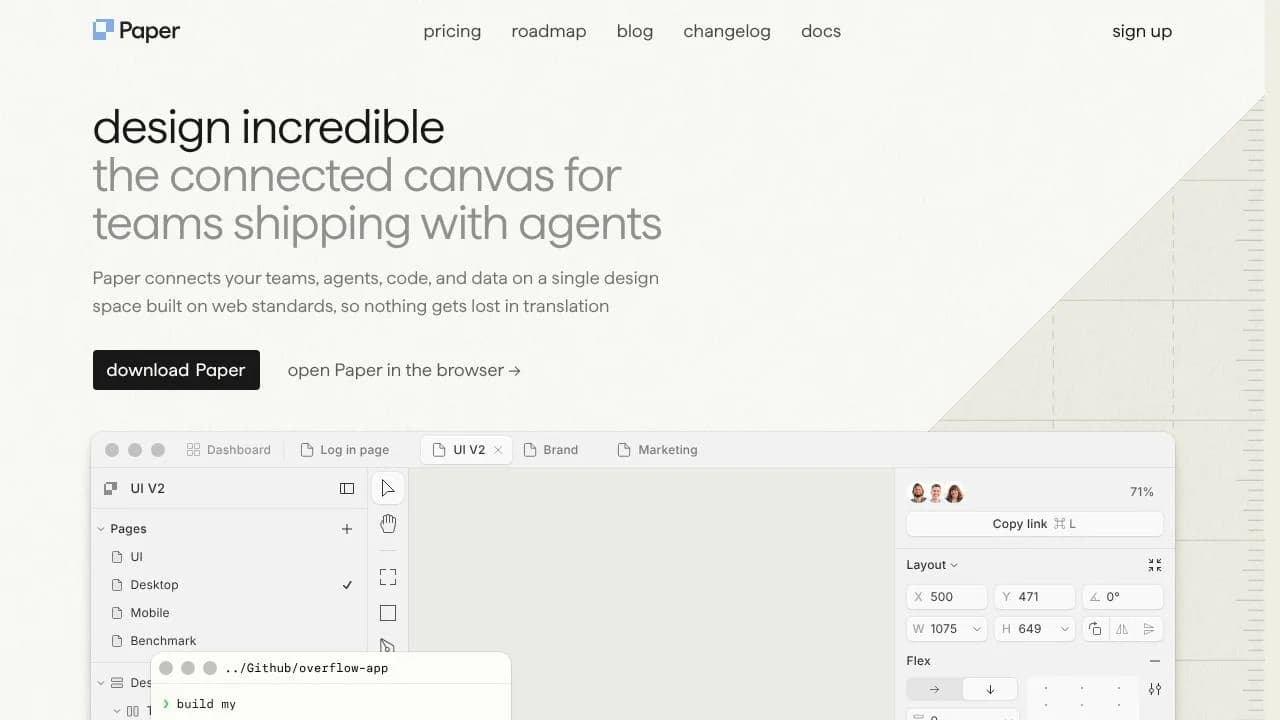
Paper is a design canvas built on HTML and CSS, for people who want to shape web layouts and work with the structure behind them. Instead of treating a design as separate from the web page it represents, Paper uses web technologies as its rendering foundation. Designers and developers can build and edit layouts, bring in existing material, and connect AI agents to design files through MCP. That makes it useful for moving between visual exploration and code-oriented work.
Teams can also use Paper to organize design work with tokens and pass selected frames or content between the canvas and connected tools. Its documented workflows include copying designs from Figma, pasting HTML, and exporting selected designs as React CSS or Tailwind code.
What can paper design do?
Paper provides a canvas for editable designs and supports workflows that connect design files to web code. Its MCP server lets connected AI agents read and write files, generate layouts, bring in content, and turn selected frames into code. Paper documents setup instructions for several agent integrations, including Claude, Codex, Cursor, GitHub Copilot, and VS Code.
- Paste HTML into the canvas as editable layers.
- Copy selected designs as React CSS or Tailwind code.
- Copy Figma designs into Paper as editable layers.
- Use design tokens for color, spacing, typography, containers, and breakpoints.
- Copy webpages into Paper as editable layers with Paper Snapshot.
Who is paper design best for?
Paper suits designers and developers who want to work on web layouts in a canvas grounded in HTML and CSS, especially when their process includes AI agents or handing design selections into code. It can also fit teams bringing in Figma work or pasted HTML for further editing. Organizations that need SAML / SSO, admin controls, custom contracts, dedicated support, or priority onboarding can consider the organization offering. Anyone relying on exact Figma component behavior or richly styled pasted HTML should review the import constraints first.
paper design pricing in brief
Paper offers a free plan, a per-editor paid plan, and an organization option for teams. The free offering has weekly MCP call and image-generation limits, along with a maximum image size. The paid option adds higher allowances, video export, a larger maximum image size, and priority feedback. Organization features include the paid-plan capabilities plus team administration and support provisions. The organization price is not listed as a fixed amount.
Limitations to know about paper design
Using the MCP server requires installing and opening Paper Desktop to start the server and install the Paper CLI. In the documented Figma import flow, components, instances, and variables are detached; masks and affected nodes are hidden, and some stroke and effect types are not preserved. The documented HTML paste workflow supports inline styles, not class names or CSS-selector styles, and does not support multiple text styles in one rich-text node. Paper’s troubleshooting guidance also identifies long-running agent sessions as a common cause of MCP connection problems.
Alternatives to paper design
Figma is a relevant alternative for teams whose design work starts in Figma, though Paper’s documented paste workflow has import constraints. Canva is another design tool to compare when choosing a canvas for visual work. These alternatives may suit different workflows; compare their current capabilities and fit against the specific design, collaboration, and code handoff needs of your project.


