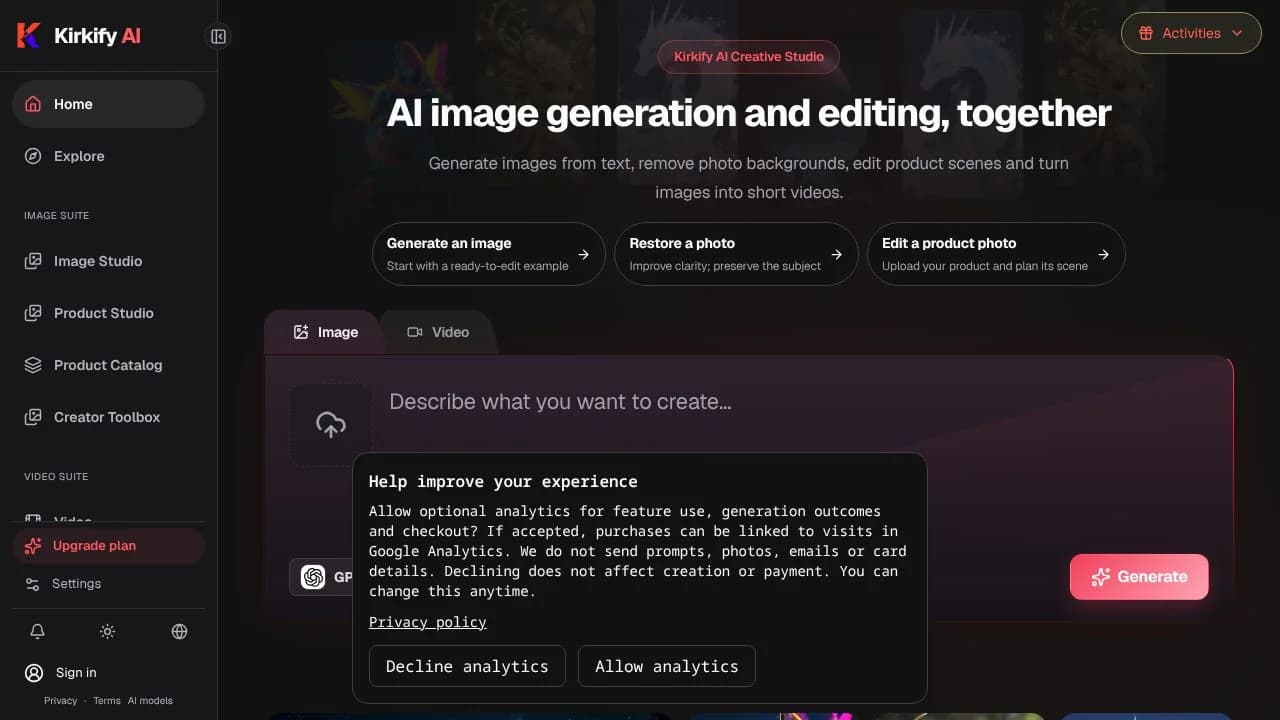
Kirkify AI is a browser-based service for making and editing images, creating short videos, and handling common image tasks. It is for people who want to generate visual content from a prompt, work from an existing image, or prepare image files without switching between separate tools. The service brings generation options and practical image utilities together, while showing an estimated credit cost for selected generation settings before a request is submitted.
What can Kirkify AI do?
For image creation, Kirkify AI generates images from text prompts and lets users choose an image model. Its image-to-image editing tools use a reference image, and image-to-prompt conversion turns an image into an editable generation prompt. A Big Smile effect is available for exaggerated smiling reaction images.
- Generate short videos in a video studio with selectable models.
- Resize and compress images in the browser, and convert between PNG, JPEG and WebP.
- Remove backgrounds or objects, enhance and upscale images, and extend image edges.
- Check an estimated credit cost for selected settings before submitting a generation.
Generated creations are private by default. Sharing publicly requires explicit authorization and submission, so users can choose whether to make a creation public.
Who is Kirkify AI best for?
Kirkify AI may suit individual creators who want image and short-video generation alongside image editing and file preparation tools in one browser-based service. It also fits people trying image effects, background removal, object removal or image enhancement as part of a visual workflow. The verified facts describe individual accounts, not team collaboration: there is no shared team wallet, team workspace or member-permission system. Teams that need those features should account for that limitation before choosing it.
Kirkify AI pricing in brief
The verified pricing information includes a paid, one-time credit pack rather than an automatically renewing purchase. Credit use varies by model and selected settings, so the amount of work a pack covers is not fixed across generations. The site shows an estimated credit cost before submission. Eligible new users may receive starter credits at first sign-in, and additional rewards may be claimed through Activities subject to eligibility and timing rules; these offers are not described as guaranteed for every user.
Limitations to know about Kirkify AI
A general reference-image upload is not available in the current image studio, although some separate tools and video models have their own reference flows. Model options differ: supported image counts and output resolutions vary, so users should check the selected model’s settings. AI outputs can contain errors or vary between generations, and enhancement may change fine details. Credits in the verified one-time pack expire after 30 days. Individual accounts also lack shared team wallets, team workspaces and member permissions.
Alternatives to Kirkify AI
Canva is an alternative to consider for visual creation and image work, while Adobe Firefly is another option for AI-assisted image creation. For editing product or other images and removing backgrounds, Photoroom is a related tool to compare. These services may differ in features and pricing, so compare their current offerings against the specific generation, editing and file-utility tasks you need.


