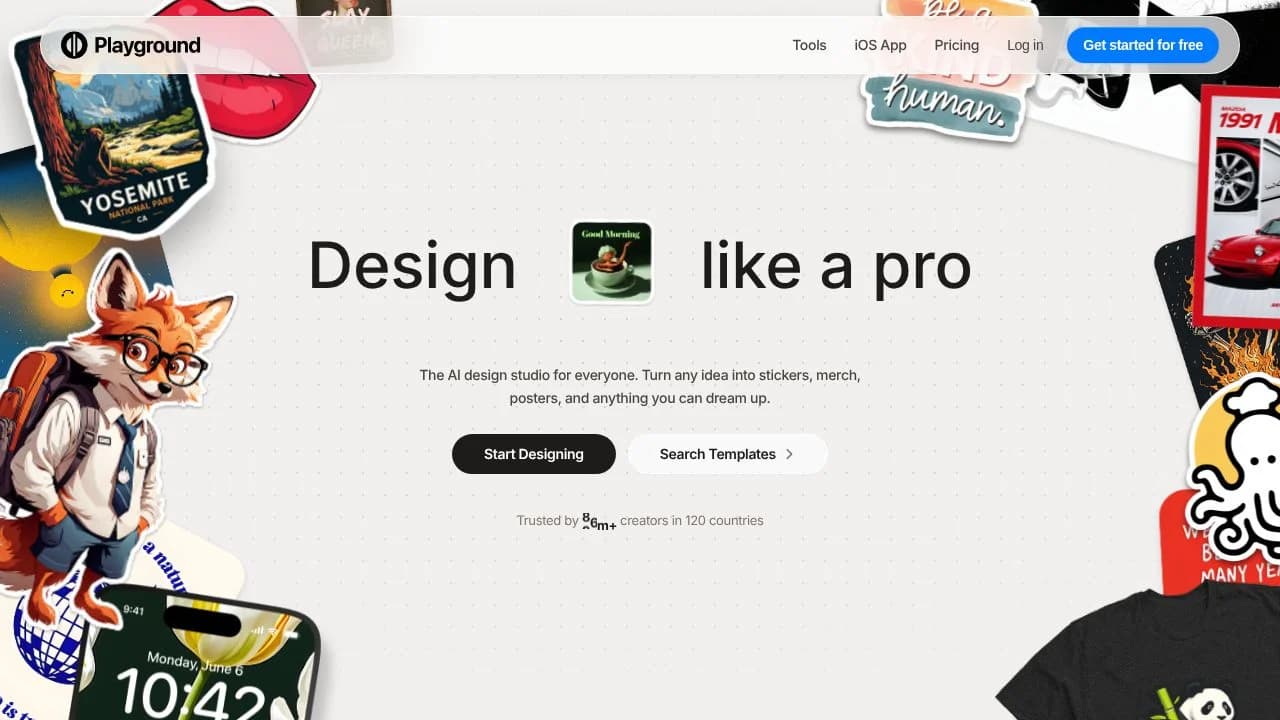
playground ai is a design tool for people who want to turn a written idea into a visual asset. Describe a logo, sticker, poster, merchandise graphic, or social post, then work with the generated design in the same product. It addresses the gap between having a visual concept and preparing an image that can be edited for a particular use. Templates provide another starting point when a blank canvas is not useful, so the work can begin from a design structure rather than only from a prompt.
What can playground ai do?
The tool generates designs from text descriptions and offers templates across 24 categories. Its editing workflow includes Smart Layers, which separate design elements and text so users can select and adjust individual parts rather than treating the whole composition as one fixed image. Text can be edited in place, and elements can be moved, resized, rotated, or deleted.
- Create logos, stickers, merchandise designs, posters, and social graphics from descriptions.
- Start a design from a template across a range of categories.
- Use Smart Layers to select, move, resize, and rotate separate elements.
- Edit text in place or remove objects with inpainting.
- Use paid-plan image editing, resizing, upscaling, and background removal, subject to plan limits.
Paid plans differ in generation allowances and supported output dimensions. The product also lists API access on its highest plan, though access is currently restricted to selected partners whose requests are reviewed.
Who is playground ai best for?
Playground AI fits people making visual assets such as social graphics, posters, merchandise art, stickers, and logos who want generation and design editing in one workflow. Templates may help when a user wants a prepared starting structure; Smart Layers may help when a generated composition needs targeted changes to text or individual objects. People who need API access should first confirm eligibility, since access is not generally available. It may be less suitable for someone who needs a guaranteed generation pace on the free plan or unrestricted API access.
playground ai pricing in brief
The pricing model combines a free option with paid tiers. Allowances, editing capabilities, and image-size limits vary by tier. The free option has generation limits and may run more slowly during peak periods; paid tiers provide larger allowances and additional editing features. API access is listed only with the highest tier and remains subject to partner review.
Limitations to know about playground ai
The free plan limits image generation and monthly generations, and generation may slow at peak times or pause after limits are reached. Editing and resizing capabilities differ by paid plan. API access is currently limited to selected partners, with requests reviewed. The terms say assets may be publicly viewable and remixable by others by default when posted in a public setting. They also require users to have the necessary rights, permissions, consents, and authorizations for inputs and claimed rights in outputs.
Alternatives to playground ai
Canva is an alternative for creating visual designs, while Adobe Firefly is another option for AI-assisted image creation. Midjourney is also an image-generation alternative. Compare their current features and terms directly before choosing; the supplied verified facts establish Playground AI’s capabilities but do not establish the current details of these alternatives.

