
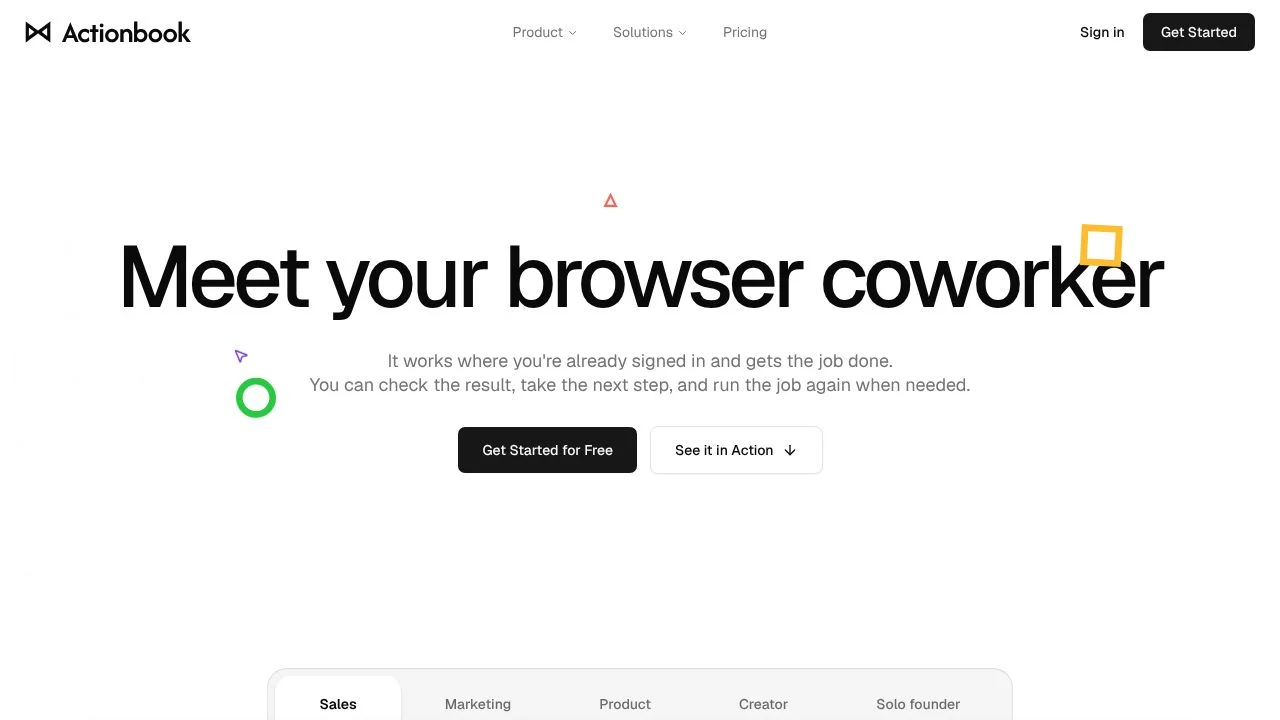
Actionbook runs browser tasks in a side panel alongside the page you are viewing. It is for people who want help carrying out work across websites without leaving their existing signed-in sessions. Instead of only returning a response, it can click and type in the browser, then provide outputs such as sourced reports, CSVs, researched prospect sets, and drafts. Source links let readers inspect the pages behind facts in the results, while saved successful tasks can be run again as Plays.
This approach is relevant when a task involves both gathering information from web pages and taking browser actions. Actionbook brings those steps into one workflow, with credits governing usage. The available plan details and the stated limits matter when deciding whether the allowance fits recurring work.
What can Actionbook do?
Actionbook works across websites using the user's existing signed-in sessions. It can perform browser actions such as clicking and typing to complete tasks, and it returns several kinds of work product rather than only a chat response. Results can include links to the originating pages, allowing users to inspect the sources behind facts.
- Run tasks in a side panel next to the page being viewed.
- Use existing signed-in sessions across websites.
- Return sourced reports, CSVs, researched prospect sets, and drafts.
- Save successful tasks as Plays and run them again.
- Connect MCP-compatible clients to a hosted MCP endpoint.
Those capabilities make Actionbook suitable for workflows that combine browser interaction with research or drafting. The official pages also describe Plays as repeatable tasks; scheduled Play runs are described as coming in the next version, so their current availability should be confirmed.
Who is Actionbook best for?
Actionbook may suit people who need to gather information across websites, complete browser steps, and receive a report, CSV, prospect set, or draft as an output. It may also suit users who repeat successful tasks and want to save them as Plays. Teams can consider the team and enterprise offering when they need a shared credit pool, shared Plays, administrative controls, usage visibility, and centralized billing. The right fit depends on whether the stated credit allowances and workflow match the work involved.
Actionbook pricing in brief
Actionbook offers a free tier, a paid individual tier, and custom-priced team and enterprise plans. Users can also buy add-on credits, which the pricing page says do not expire. The free allowance has a welcome balance and a daily refresh; tasks pause when the balance runs out. The paid individual tier has a monthly credit allowance with a stated one-month rollover for unused monthly credits.
Limitations to know about Actionbook
Usage is credit-based, and tasks pause when the free balance runs out. The individual paid plan has a defined monthly allowance rather than an unlimited amount of usage. Higher-volume custom plans require contacting the company. The reviewed official pages do not fully document hosted-service data retention or the browser-to-service data path, so users who need those details should seek clarification. Scheduled Play runs are described as coming in the next version, not as an available feature.
Alternatives to Actionbook
For a comparison shortlist, consider Auto-GPT and ChatGPT alongside Actionbook. These are options to evaluate for adjacent task and assistant workflows, but the verified Actionbook materials here do not establish a feature-by-feature comparison. Compare each tool's current capabilities, supported workflows, and pricing directly before choosing. Actionbook's documented distinction in this listing is its browser side panel, use of existing signed-in sessions, sourced outputs, and repeatable Plays.


