Docker logo - Development AI tool

Docker

AI ToolFreemium

Docker is a platform for building, sharing and running containerized applications. It provides a local development environment, image hosting, image analysis and cloud build services.

{dockercontainerizationdevopsai-automationcontainer-managementdevelopment-toolsdeploymentorchestrationmicroservicescloud-nativekubernetes}

Last updated:

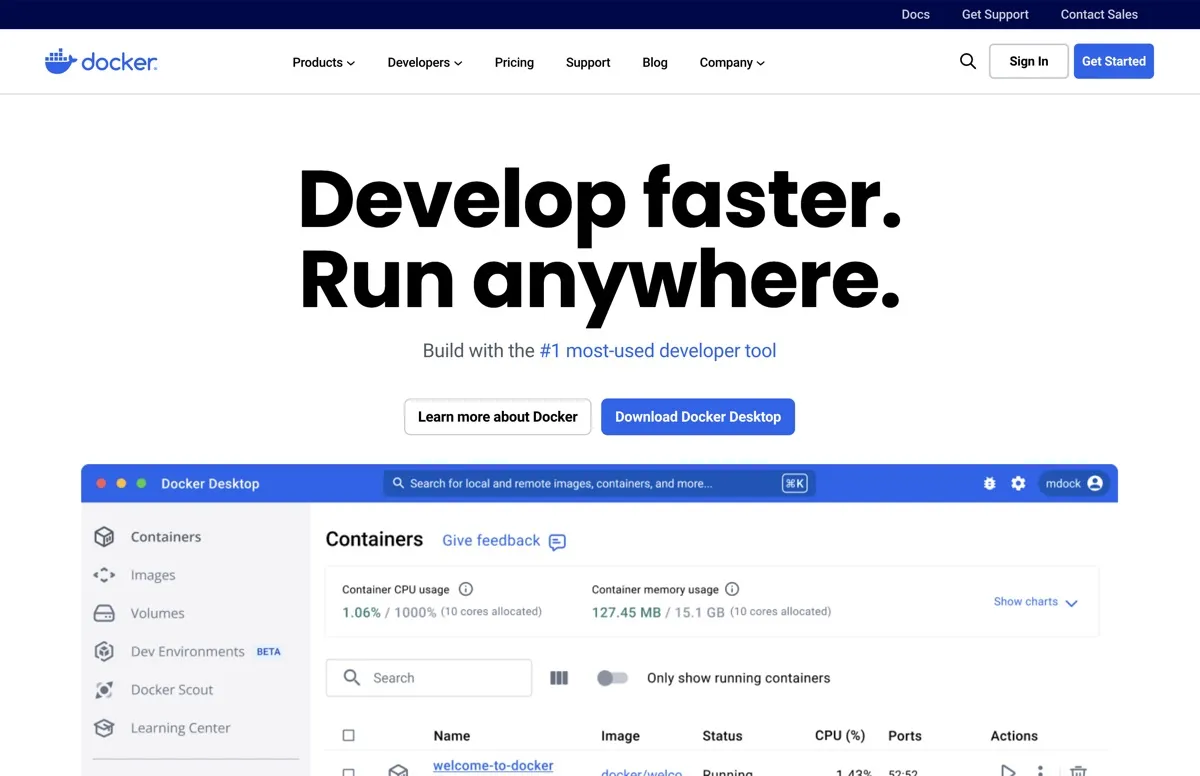
Docker screenshot - Development interface and features overview

About Docker

Docker provides tools for building, sharing and running containerized applications. Developers can use Docker Desktop as a local container development environment, with Docker Engine and Kubernetes included in the Personal plan. Docker Hub hosts container images, while Docker Scout analyzes images against vulnerability advisory data. Together, these products give individuals and teams a way to work with container images during development and review image security information.

The product is aimed at people who build or manage applications in containers, from individual developers to teams and enterprises. It also offers hardened image catalogs for organizations that need documented image contents and security information. The plans differ in repository access, security and management features, and included cloud runtime minutes.

What can Docker do?

Docker Desktop provides a local environment for container development. Docker Hub hosts images and supports private repositories. Docker Scout analyzes container images, extracts SBOM and metadata, and evaluates images against vulnerability advisory data. For enabled repositories, it can continuously update security status.

  • Build and work with containers in a local development environment.
  • Host container images in Docker Hub, including private repositories under eligible plans.
  • Review image contents and vulnerability advisory data with Docker Scout.
  • Offload image builds to cloud builders with Docker Build Cloud.

Docker also offers Gordon in beta. Docker says it can inspect container state and logs, propose debugging fixes, generate Dockerfiles and Compose files, and perform Docker operations after user approval. Its beta status matters when evaluating it for a workflow that depends on those capabilities.

Who is Docker best for?

Docker is suited to developers who build or run containerized applications and need a local environment, image hosting or image analysis. The Personal plan covers individual use with stated limits on users, repositories and image pulls. Pro is intended for individual professionals. Team adds collaboration and access controls, while Business includes enterprise management features. Organizations comparing container image options can also review Docker Hardened Images, whose plans add hardened images and, in paid tiers, further variants or customization options.

Docker pricing in brief

Docker offers free plans alongside paid plans for individual professionals, teams and enterprises. It also offers separate plans for Docker Hardened Images, including a free community option and paid tiers. Included repositories, cloud runtime minutes, access management and image options vary by plan. Check the current pricing page for the applicable terms before choosing a plan.

Limitations to know about Docker

Plan allowances differ. Personal is limited to one user, one Docker Scout-enabled repository, 100 Docker Hub pulls per hour and one private Docker Hub repository. Pro includes two Scout-enabled repositories and a monthly Testcontainers Cloud runtime allowance. Gordon is in beta, and Docker describes its operations as approval-based. The verified pricing table does not show a monthly billing price for Business, so that price cannot be compared here.

Alternatives to Docker

For comparisons on this site, readers can also review GitHub Copilot, Cursor and Replit. Each is another listed tool to compare when assessing development workflows. The verified Docker facts here do not establish how those products work or whether they replace Docker, so check their own listings before comparing specific capabilities.

Visit Website

Disclosure: Some links are affiliate links. We may earn a commission. Learn more.

Key Features

Docker Desktop provides a local container development environment.

Docker Engine and Kubernetes are included with the Personal plan.

Docker Hub hosts container images and supports private repositories.

Docker Scout analyzes images, extracts SBOM and metadata, and checks vulnerability advisory data.

Docker Build Cloud offloads image builds to cloud builders.

Docker Gordon, currently in beta, can inspect container state and logs, propose debugging fixes, and generate Dockerfiles and Compose files.

Gordon can perform Docker operations after user approval.

Docker Hardened Images include verifiable SBOMs and SLSA Build L3 provenance.

Pricing Plans

Docker Personal

$0

  • Includes Docker Desktop, Docker Engine, Kubernetes, Docker Hub, Docker Scout and Docker Debug.
  • Allows one user and one Docker Scout-enabled repository.
  • Includes 100 Docker Hub pulls per hour.
  • Includes one private Docker Hub repository.

Docker Pro

$9 per user/month (annual); $11 per user/month (monthly)

  • For individual professionals, with Testcontainers Cloud and synchronized file shares.
  • Includes two Docker Scout-enabled repositories and unlimited Docker Hub pull rate.
  • Includes 100 Testcontainers Cloud runtime minutes per month.

Docker Team

$15 per user/month (annual); $16 per user/month (monthly)

  • For small teams, with bulk user additions, audit logs and Docker Hub role-based access control.
  • Includes unlimited Scout-enabled repositories and private Docker Hub repositories.
  • Includes 500 Testcontainers Cloud runtime minutes per month.
  • Supports up to 100 users.

Docker Business

$24 per user/month (annual)

  • For enterprises, with Hardened Docker Desktop, SSO and SCIM.
  • Includes image and registry access management.
  • Includes unlimited Scout-enabled repositories and private Docker Hub repositories.
  • Includes 1,500 Testcontainers Cloud runtime minutes per month.

Docker Hardened Images Community

Free

  • Provides hardened minimal images with near-zero CVEs.
  • Includes verifiable SBOMs, SLSA Build L3 provenance and full unsuppressed CVE visibility.
  • Provides an open-source image catalog under Apache 2.0.

Docker Hardened Images Select

Starting at $5k/repo

  • Includes everything in Community, plus FIPS and STIG variants.
  • Includes critical CVE fixes in under 7 days with SLA-backed continuous patching.
  • Allows up to five customizations.

Docker Hardened Images Enterprise

Price varies

  • Includes everything in Select, with unlimited customizations including system packages.
  • Includes access to the Hardened System Packages repository and full catalog access.
  • Extended Lifecycle Support is available as an add-on.

Pricing information last updated: November 13, 2026

Visit Website

Disclosure: Some links are affiliate links. We may earn a commission. Learn more.

FAQs

What does Docker Personal include?

Docker Personal includes Docker Desktop, Docker Engine, Kubernetes, Docker Hub, Docker Scout and Docker Debug. It allows one user, one Docker Scout-enabled repository and one private Docker Hub repository, with 100 Docker Hub pulls per hour.

What does Docker Scout do?

Docker Scout analyzes container images, extracts SBOM and metadata, and evaluates images against vulnerability advisory data. It can continuously update security status for enabled repositories.

Does Docker include cloud image builds?

Docker Build Cloud offloads image builds to cloud builders. Docker's plans FAQ describes monthly build-minute entitlements by plan.

What can Docker Gordon do?

Docker says Gordon is in beta. It can inspect container state and logs, propose debugging fixes, generate Dockerfiles and Compose files, and perform Docker operations after user approval.

Is Docker Business available with monthly billing?

The verified pricing table shows an annual rate for Docker Business. It does not show a monthly billing price.