
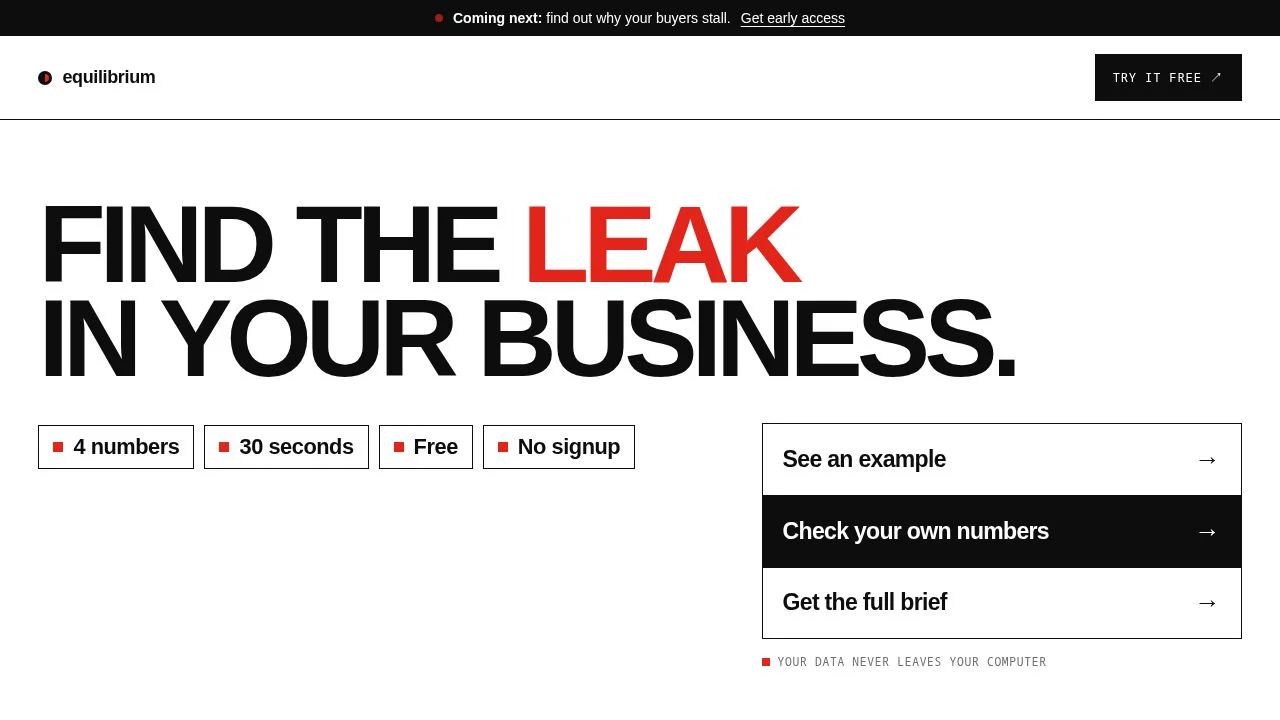
equilibrium is a check for teams examining customers who leave before their first contract renewal. It compares short contracts with contracts lasting a year or more, so a team can see whether early churn looks different across those groups. The quick check takes customer counts, while a separate workflow takes a customer CSV and produces a downloadable analysis.
This is a focused way to inspect a retention pattern. It is useful when you have contract and renewal data but need a clearer comparison before discussing what might have happened. The result does not identify why a customer left.
What can equilibrium do?
In the quick check, you enter how many customers signed and how many did not pass their first renewal. You provide those counts separately for short contracts and contracts of a year or more. Yearly revenue per customer is optional, so the basic check does not depend on a revenue figure. These inputs keep the comparison tied to an early renewal outcome rather than a general count of customers who have churned at any point.
If you have customer-level data, the separate CSV workflow offers a downloadable three-page analysis. The site provides a CSV template and lets you select $, € or £ for display. Before using that workflow, you must confirm that your data includes both churned and nonchurned accounts and that its dates, contract terms, churn meanings and any ARR follow the required definitions. The site says the CSV is processed in your browser rather than uploaded.
Who is equilibrium best for?
equilibrium fits a team that can separate customers by contract length and identify who failed to pass the first renewal. A quick check suits someone with reliable group counts who wants to inspect a pattern without preparing a file. The CSV route suits someone with customer records who can check the required definitions and wants an analysis to download. It is less useful if your records cannot distinguish first-renewal losses from churn at other times, or if the question is why individual customers left.
equilibrium pricing in brief
The site says its checks are free and require no signup. No public pricing page or priced plans were found in the verified information. This listing therefore does not describe paid tiers, allowances or support options. The documented choice is between entering counts for a quick check and preparing a customer CSV for the separate analysis, rather than selecting a subscription.
Limitations to know about equilibrium
The analysis shows a pattern, not the cause of churn. It also flags data that is too thin for a comparison, so a result should not be treated as an explanation of customer behavior. The CSV workflow depends on the population and definitions you confirm before running it. A feature for buyers who stall is marked as coming next; the current check focuses on contracts that churn early. The site says browser data can be cleared with its Clear Local Data control, which discards the selected file, result and form entries on the page. That control does not delete information submitted through the sharing form, and the site does not promise that an explicitly shared summary is irreversibly anonymous.
Alternatives to equilibrium
For an adjacent task, compare Wolfram Alpha if your question calls for broader calculation, Notion if you need a place to record findings, or Miro if you want to map follow-up work. These are comparison choices for work around a churn investigation, not verified replacements for equilibrium. The available facts do not establish that any of them accepts its contract counts or produces its CSV analysis. Start with the specific question you need answered, then check whether a general-purpose tool or this focused check fits it.


