
Luma AI logo - Video & Animation AI tool

Luma AI

AI ToolFreemium

Luma AI is a creative platform for generating and modifying images, videos, and audio. It also coordinates creative tasks across these formats, including work based on a brief and reference materials.

Last updated:

Luma AI screenshot - Video & Animation interface and features overview

About Luma AI

Luma AI is a creative platform for people making images, videos, audio, or projects that combine them. It brings generation and editing tools together with workflows that can coordinate multiple creative tasks, so a brief can lead to several related assets rather than a single output. Creators can direct work with text, images, video, and feedback, then use available tools to refine assets for different formats. This is relevant to individual creators and teams producing campaign materials, social content, storyboards, concept art, or other multi-asset work.

Instead of assembling separate tools for each stage, users can generate and modify media within one platform. The available models and credit use depend on the task and plan, so the platform is also suited to people who want to choose among image and video creation workflows while keeping related work together.

What can Luma AI do?

Luma supports text-to-video, image-to-video, and video-to-video generation. It also generates and modifies images, with tools for adjustments such as removing backgrounds, changing framing, blending images, and creating variations. Credit use depends on the creation and model selected.

For video work, the listed tools include reframing, upscaling, extending, and modifying video. Audio options include speech, sound effects, music, vocal separation, stem separation, and transcription. Luma Agents can coordinate creative work across media and keep shared project context during the process.

  • Generate images and videos using Luma and third-party models.
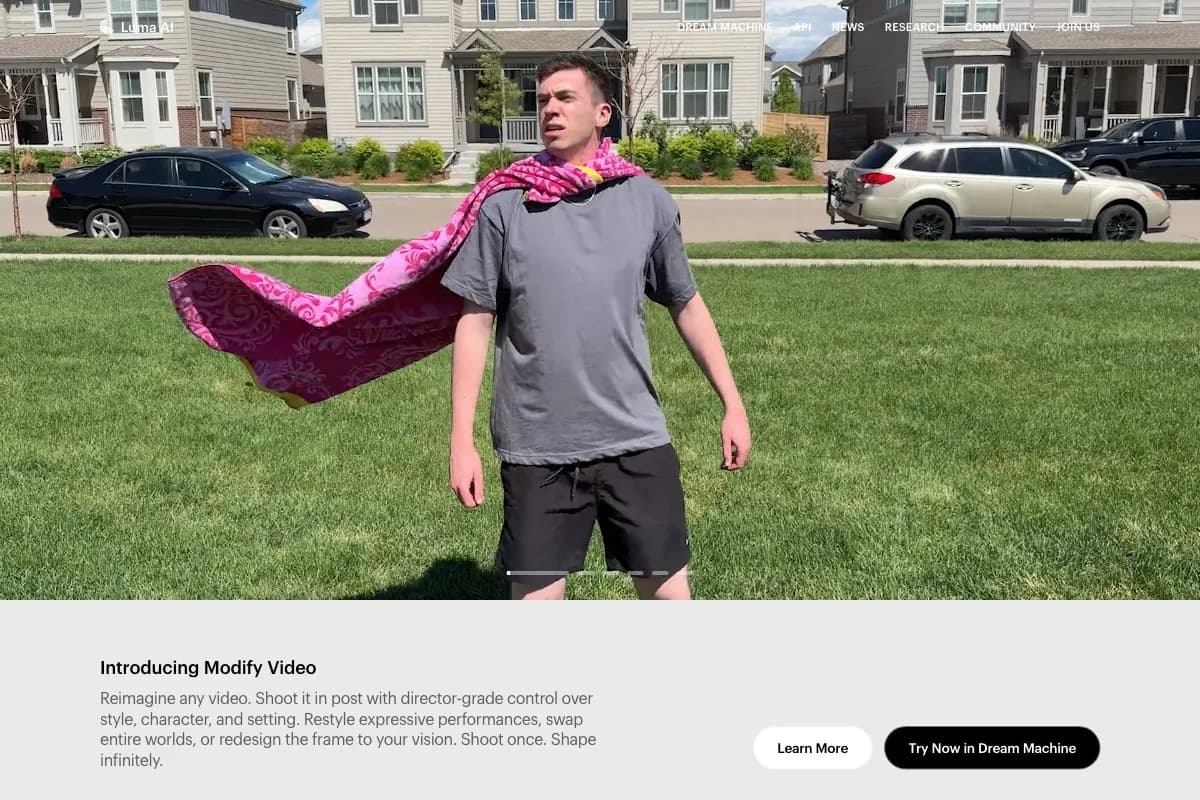
  • Modify images and videos, including video-to-video workflows.
  • Reframe images or video and upscale video.
  • Create speech, music, and sound effects, or separate audio components.
  • Coordinate image, video, and audio tasks for multi-asset projects.

Who is Luma AI best for?

Luma may suit creators and teams producing work across more than one media format. Documented project examples include product-launch campaigns, social-media ads, storyboards, animations, character design, concept art, film pre-production, visual-effects sequences, and brand-identity assets. It can also suit people who want to provide a brief and reference materials, generate related assets, and refine them with feedback. Someone seeking only a single, narrowly defined editing function may prefer to compare specialist tools before choosing a broader creative platform.

Luma AI pricing in brief

Dream Machine offers a free plan alongside paid individual subscriptions and an enterprise option with customized pricing. Paid plans differ in monthly credits, processing priority, output restrictions, commercial-use permissions, and access to relaxed generations. The available plan details also vary by platform, and credit use depends on the creation and model used. Check the relevant plan information before committing, especially if commercial use or a specific resolution is required.

Limitations to know about Luma AI

The free plan is limited to personal projects, draft-resolution video, and watermarked images capped at 720p. The Lite plans are also non-commercial and include watermarks, though they provide priority processing and 1080p images. Credits are consumed according to the creation and model, so the number of outputs an allowance supports can vary. The verified plan details for Plus on iOS do not separately state the full tier features listed for the web plan; compare the platform-specific terms before relying on them.

Alternatives to Luma AI

For other tools in this directory, Runway ML is another option to compare for AI video creation, while Google Veo is another video-generation listing. HeyGen may be relevant when the project is centered on generated video with a presenter. Compare their current capabilities and terms with Luma’s workflow before choosing.

Visit Website

Disclosure: Some links are affiliate links. We may earn a commission. Learn more.

Key Features

Generate images and videos from text, images, or existing video.

Use Luma and third-party models for image and video creation.

Modify images and videos, including video-to-video workflows.

Reframe images and videos; upscale video and remove image backgrounds.

Blend images and generate speech, sound effects, music, and separated audio.

Coordinate image, video, and audio tasks across a multi-asset creative project.

Pricing Plans

Free

Price varies

  • Create images with Photon and video in draft resolution.
  • Images are limited to 720p and include watermarks.
  • Use is restricted to personal projects.
  • Suitable for exploring image and draft-video creation before choosing a paid plan.

Lite (Web)

$9.99/month

  • Includes 3,200 credits monthly and priority image and video processing.
  • Create images at 1080p; generated content includes watermarks.
  • Use is restricted to non-commercial projects.
  • Suitable for personal creation needing more credits and faster processing.

Lite (iOS)

$12.99/month

  • Includes 3,200 credits monthly and priority image and video processing.
  • Create images at 1080p; generated content includes watermarks.
  • Use is restricted to non-commercial projects.
  • Suitable for personal creation through the iOS subscription.

Plus (Dream Machine Web)

$29.99/month

  • Includes 10,000 monthly credits and full Ray3 access.
  • Includes high-priority processing and 4K with up-res and HDR.
  • Commercial use is allowed, and generations have no watermarks.
  • Suitable for professional projects needing commercial rights and higher-resolution video.

Plus (Dream Machine iOS)

$37.99/month

  • Includes 10,000 monthly credits.
  • Commercial use is allowed, and generations have no watermarks.
  • The listed price is for the iOS subscription.
  • Suitable for commercial creation through the iOS subscription; full tier details are stated for the web plan.

Unlimited (Dream Machine Web)

$94.99/month

  • Includes 10,000 fast credits monthly and unlimited relaxed generations.
  • Includes full Ray3 access and 4K with up-res and HDR.
  • High-priority processing, commercial use, and no watermarks are included.
  • Suitable for high-volume creation that can use relaxed generations.

Unlimited (Dream Machine iOS)

$119.99/month

  • Includes 10,000 fast credits and unlimited relaxed generations.
  • Commercial use is allowed, and generations have no watermarks.
  • The listed price is for the iOS subscription.
  • Suitable for high-volume creation through the iOS subscription.

Enterprise

Price varies

  • Includes Unlimited-plan features and data privacy protections.
  • Content is not used for AI training.
  • Pricing is customized to organizational requirements.
  • Suitable for organizations seeking privacy protections and a custom arrangement.

Pricing information last updated: October 26, 2026

Visit Website

Disclosure: Some links are affiliate links. We may earn a commission. Learn more.

FAQs

What can I create with Luma AI?

Luma supports image and video generation and modification, as well as audio options including speech, sound effects, music, vocal separation, stem separation, and transcription.

Can Luma generate video from text or images?

Yes. The pricing page lists text-to-video, image-to-video, and video-to-video generation across models.

Can I use Luma creations commercially?

Commercial use is included in the Dream Machine Plus and Unlimited plans described in the verified plan information. Free and Lite use is restricted to personal and non-commercial projects, respectively.

Do Luma plans include a fixed number of credits?

Paid Dream Machine plans have stated monthly credit allowances. Credit use varies with the creation and model used; the Free plan’s numeric price is not stated in the verified information.

Are outputs watermarked?

The Free plan’s images have watermarks, and Lite content includes watermarks. The verified Plus and Unlimited plan details state that they have no watermarks.