
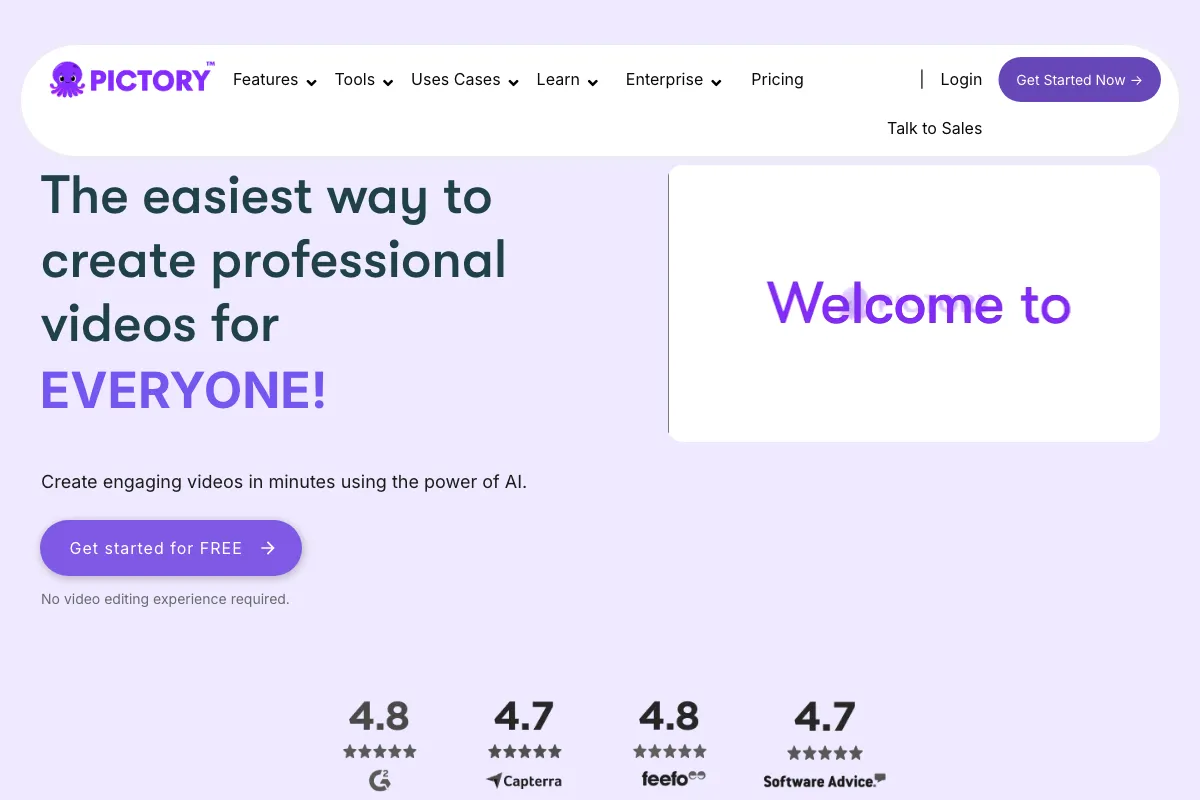
Pictory is a video creation and editing tool that turns written material and other media into videos. It is for creators, educators, and organizations that need to make or adapt video from scripts, articles, links, presentations, audio, images, or recordings. Instead of starting every project with a blank editing timeline, users can give Pictory source material or a brief, review the scenes it prepares, and refine the result. The workflow is designed to bring video assembly and text-based editing into one web-based tool.
What can Pictory do?
Pictory can build video scenes from a brief, prepare a script and preview, and let users review and refine the work by chat or in the editor. Users can also start with text, prompts, scripts, articles, URLs, audio, PowerPoint presentations, images, or screen recordings. The available starting points make it useful for creating a new video or adapting material that already exists.
- Edit video through its text or transcript, and use AI scene editing.
- Generate captions and export subtitle files as .srt, .vtt, or .txt.
- Generate images and video clips from prompts through AI Studio.
- Use stock avatars, with cloned or custom avatars available on Professional and higher.
- Choose landscape, portrait, or square video formats, and convert PowerPoint presentations into videos.
It also offers AI voiceovers and video translation, with language availability depending on the plan. The pricing FAQ lists seven languages for Starter voice support and 29 languages for Professional and Teams. Licensed Getty Images and Storyblocks footage and images are included, while the advertised asset library differs by plan. These differences matter when comparing an individual workflow with a team or API use case.
Who is Pictory best for?
Pictory suits people who need to turn existing material into a video without building every scene from scratch. A creator can start from a script or article; a team can work with shared brand assets and collaboration; and an organization can use Enterprise features such as SCORM export, hosted interactive experiences, quizzes, and knowledge checks. The API plans are aimed at workflows that automate video creation. Check the relevant plan’s minutes, credits, storage, and language support before choosing it.
Pictory pricing in brief
Pictory offers a time-limited free trial and paid individual, team, and enterprise options. It also offers a separately priced self-serve API tier and a custom enterprise API option. Allowances and included features vary by plan, and the listed individual and team options have annual and monthly billing prices. No permanent free subscription was verified, so readers should compare the trial with their expected ongoing usage.
Limitations to know about Pictory
The trial has limits on credits, generated video, projects, storage, video length, and export resolution. Paid-plan allowances also vary. Pictory says paid subscriptions currently do not offer refunds, and cancelling an account permanently deletes its video projects, so download wanted videos first. Its Help Center says video creation and editing are not supported on mobile devices, recommends Google Chrome, and warns that other browsers may have performance issues. These constraints are worth checking before committing a workflow or cancelling.
Alternatives to Pictory
Fliki is a relevant alternative for turning scripts, blog links, and presentations into video, while Descript is another option to consider for text-based video editing. Compare each tool’s current features and plan details against the formats you use, how you edit, and whether you need team or automated workflows. These alternatives are included for their overlap with video creation or editing, not as a claim that they have identical inputs, capabilities, or limits.

