
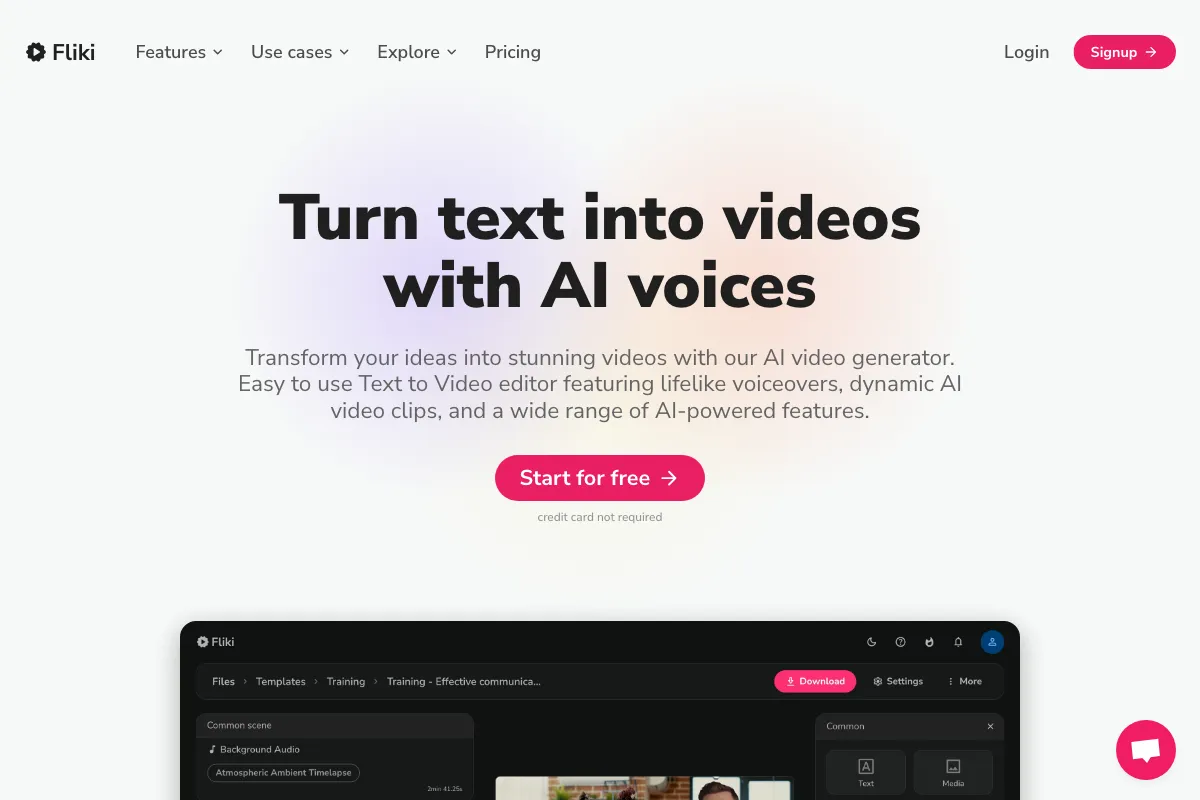
Fliki turns ideas, scripts, blog posts and presentations into narrated videos, combining voiceover with visuals, music and subtitles. It is for people who need to make video or audio content from written material, including creators preparing social videos and teams adapting existing content. Instead of assembling narration and visuals separately, users can build a video from text and use Fliki’s related tools for presentations, localization and other formats. Which voices, avatars and export options are available depends on the plan.
What can Fliki do?
Fliki can convert scripts, articles and presentations into videos with narration, visuals, music and subtitles. Its text-to-speech tools provide voices across more than 80 languages, and paid plans include voice cloning. The service also supports translating and localizing video into more than 80 languages.
- Make videos from blog posts and presentations, including PPT-to-video projects.
- Create voiceovers with AI voices; voice cloning is available on paid plans.
- Use AI avatars, custom characters, photo avatars and generated AI video clips, depending on the plan.
- Create thumbnails, social carousels and presentations with its additional tools.
- Schedule video series and auto-publish to YouTube, TikTok and Shorts on paid plans.
Paid plans include commercial rights and remove the Fliki watermark. Premium includes API access, while Enterprise offers custom API solutions. These differences matter when choosing a plan: the free option has limited workflows and features, and capabilities such as avatars and video clips are not available in the same way across plans.
Who is Fliki best for?
Fliki suits creators, marketers and teams who want to turn existing written material into narrated video, or prepare voiceovers and localized versions for different language audiences. Its blog-to-video and PPT-to-video tools fit people repurposing articles or presentations. Paid-plan scheduling and auto-publishing may suit creators managing recurring video series for YouTube, TikTok or Shorts. Teams needing branded templates, collaboration, personalized avatars or a dedicated account manager can consider Enterprise. Anyone choosing it should compare the credit allowance, export limits and included tools with the work they expect to produce.
Fliki pricing in brief
Fliki offers a free version with limited credits, workflows and features, alongside paid tiers with larger allowances and additional capabilities. A custom-priced Enterprise option is available for organizations seeking tailored credits, billing, collaboration and account support. Commercial rights and watermark removal are included in paid plans. Availability of specific voices, avatars, export lengths and other tools varies by plan, so check the plan details before choosing.
Limitations to know about Fliki
The free plan is limited to three credits per month, exports up to 720p, includes a Fliki watermark and has limited workflows and features. Higher export limits, voice cloning, avatars, AI video clips and other capabilities depend on the selected plan. Enterprise pricing is custom rather than publicly stated as a fixed amount. The verified plan information does not specify a single allowance that applies to every workflow, so check the relevant plan details for the intended use.
Alternatives to Fliki
For readers comparing tools for video creation, InVideo AI is another option to review for AI video production, while Pictory is listed among video tools that may suit a similar content-to-video workflow. HeyGen is another relevant comparison when AI-avatar video is part of the requirement. Compare each tool’s current features and plan details against the specific workflow you need; these brief descriptions do not establish feature parity with Fliki.


