
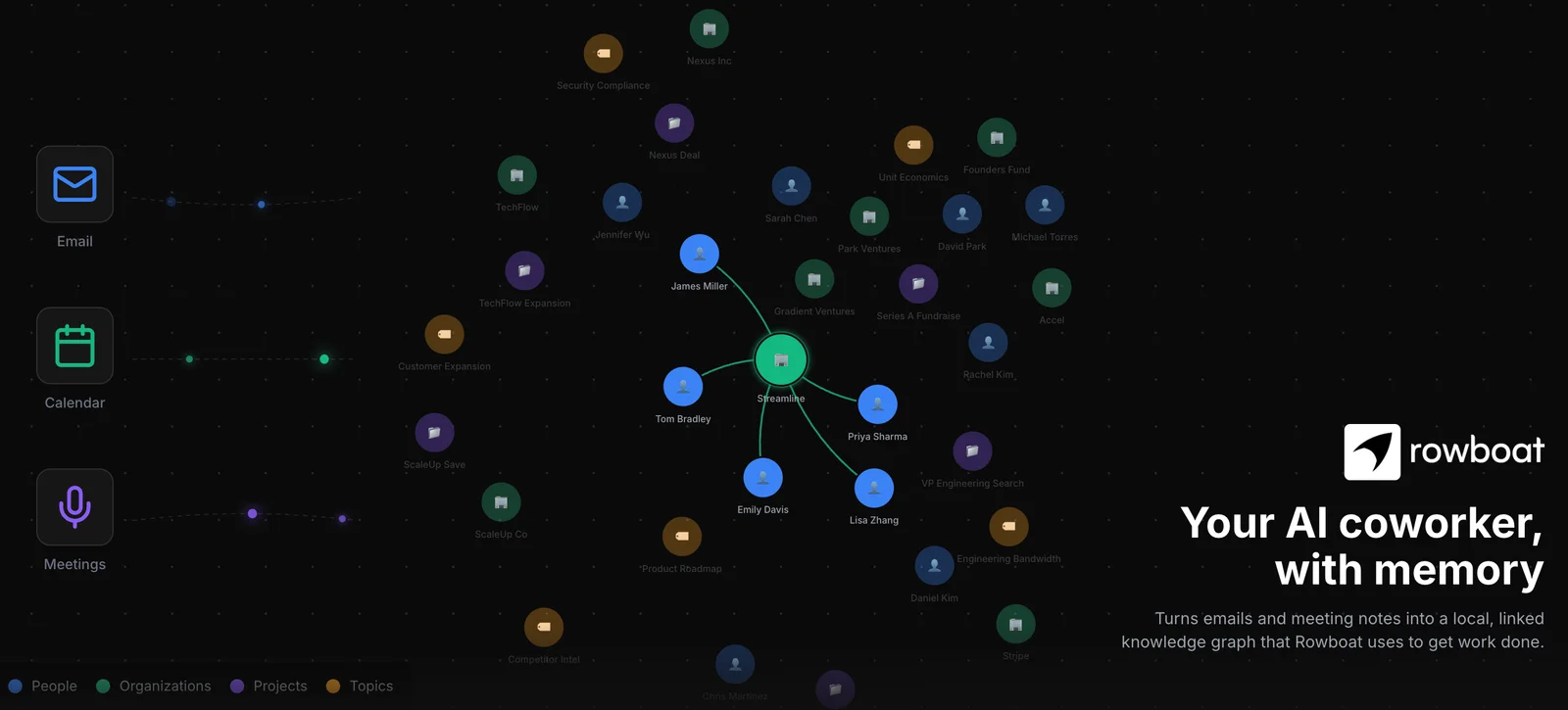
rowboatlabs is a personal assistant for work that brings a person's Brain, emails, meetings, and notes on their machine into the context for their assistant. It is for people who want help grounded in their own work, as well as teams that need a shared place for conversations and project materials. Instead of separating the assistant from team activity, Rowboat lets a person bring their assistant into a Space and share selected work with teammates.
The product addresses two connected needs: using personal work context to get help, and collaborating without losing the connection between discussion and shared materials. Personal context stays on the user's machine, while the team Space holds what the user and assistant choose to share.
What can rowboatlabs do?
A Rowboat assistant can respond in a team Space using context from its user's Brain, email, meetings, and notes on that user's machine. Shared Spaces bring team conversations, files, and whiteboards together. Each teammate can bring their own assistant, keeping personal context distinct from what is shared with the team.
The workspace supports collaborative work across discussion and documents. The product also includes an email client and meeting note taker, while Spaces exposes an MCP server for other agents. The site says users can connect local models through Ollama or LM Studio.
- Use personal Brain, email, meeting, and note context when asking the assistant for help.
- Bring teammates, conversations, files, and whiteboards into shared Spaces.
- Work with shared documents, Markdown, and presentations.
- Catch up on email, find threads, and draft replies with the email client.
- Start coding sessions in Code Mode with an isolated worktree and a selected coding agent.
Who is rowboatlabs best for?
Rowboat suits individuals who want an assistant to work with context from their own machine, and teams that want their conversations and working materials in shared Spaces. It may fit teams that collaborate through whiteboards and documents, or people who want to bring meeting and email workflows into the same assistant experience. Teams should consider whether they want to configure a shared workspace and what personal context they are comfortable asking their assistant to use. The available facts describe collaboration and local context, but do not identify specific industries or team sizes.
rowboatlabs pricing in brief
Rowboat offers a free plan, paid individual tiers, and an Enterprise option with customized setup and plans. The free plan has limited daily usage. The pricing page shows ranges for two paid tiers without explaining how the final price is calculated. Enterprise pricing is not public; teams need to contact Rowboat.
Limitations to know about rowboatlabs
The free plan's daily usage limit is not quantified on the pricing page, so readers cannot determine the allowance from the published details. The listed prices for the two paid tiers are ranges, and the page does not say what determines the final amount. Enterprise requires contacting Rowboat for a customized setup and plan. The supplied facts do not enumerate which products are covered by the integrations listing, so check with Rowboat if a particular integration is essential.
Alternatives to rowboatlabs
For other tools to compare, Notion is listed here as a workspace option, while Claude and ChatGPT are options to examine alongside Rowboat's personal-assistant approach. These links are comparison starting points, not claims that the products have the same features. Review each tool's current details to decide whether its approach to personal assistance or shared work fits your needs.


