
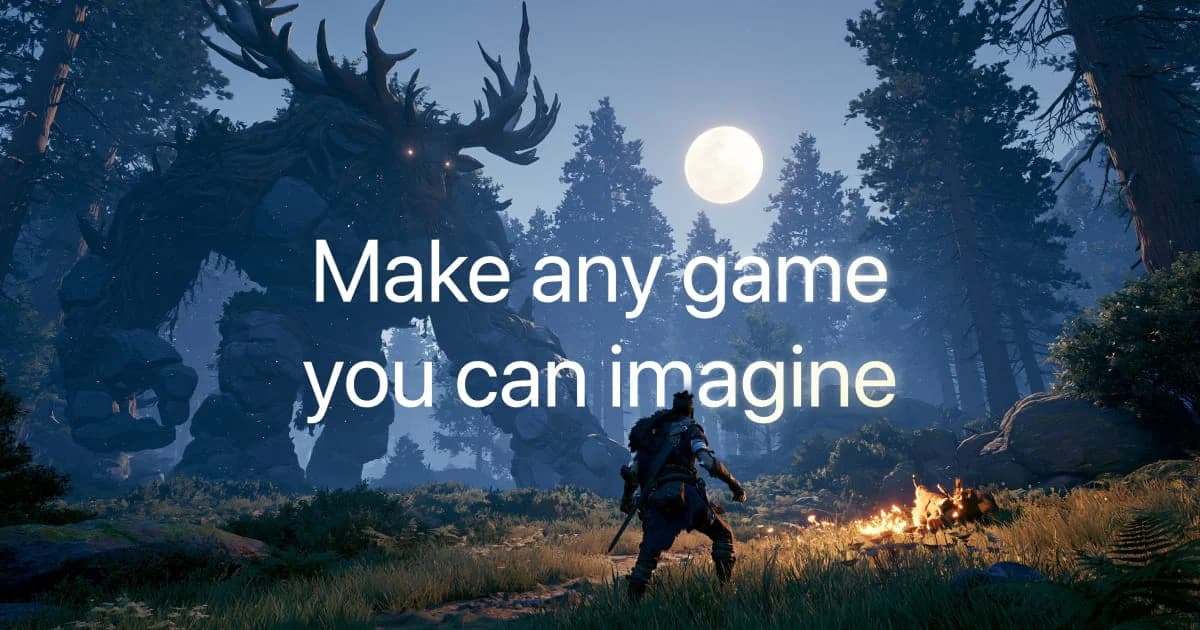
Tesana turns natural-language descriptions into playable games, giving people with game ideas a way to build and refine them through prompts. It is for creators who want to move from an idea to a browser-playable project, then inspect and iterate on the result. A plan-review step comes before building; the workflow continues with live building and a game preview in the browser.
The process also gives users tools to work on a project beyond prompting. The Studio includes a code editor, asset library, version history, and live game preview, while reference images can guide a game's visual style. The aim is to bring creation, iteration, and sharing into one game-making workflow.
What can Tesana do?
Users describe a game in natural language and iterate through prompts. Tesana's FAQ lists 2D pixel art, modern 2D, and 3D projects. Before building, users can review a plan; then they can follow the live build and play and iterate in the browser.
- Use reference images to guide a game's visual style.
- Work in the Studio with a code editor, asset library, version history, and live preview.
- Play games in a browser, share them, and publish them; the homepage also describes browser-playable multiplayer games.
- Invite collaborators to the same game.
- On eligible plans, export standalone games and download source code for original games.
Plan access matters for some capabilities: custom asset imports are listed for Max, while Loop is available on Max and Ultra. Loop lets AI work continue against a user-set credit budget.
Who is Tesana best for?
Tesana suits people who want to turn a written game idea into a playable project and refine it through repeated prompts. It can also fit creators who want a browser-based play-and-share workflow, collaborators working on the same game, or paid-plan users who need standalone exports or original-game source downloads. Those planning ongoing AI builds should compare the monthly credit allowance and player limits with the expected project needs.
Tesana pricing in brief
Tesana has a free plan for playing games and previewing plans, plus paid plans with monthly credits and additional creation, export, player-capacity, or support features. Building requires purchased credits; AI work is credit-metered, and costs vary with the work performed. Check the plan details to see which features and allowances apply.
Limitations to know about Tesana
The free plan includes no monthly credits, so building requires a paid plan or credit top-up. Credit use varies with the work, and deeper projects or larger requests can cost more. Custom asset imports are limited to Max, and Loop is available on Max and Ultra. Official documentation conflicts on the current project technology: its home page says Godot, while its FAQ describes TypeScript with Three.js for 3D and Phaser for 2D, with older Godot games still supported.
Alternatives to Tesana
For a different route from prompts to playable software, Lovable focuses on creating apps from prompts, while Replit offers an environment for building and running software projects. Bubble is another option for building applications visually. These tools may suit readers comparing broader app-building workflows with Tesana's game-creation and browser-play focus.


