
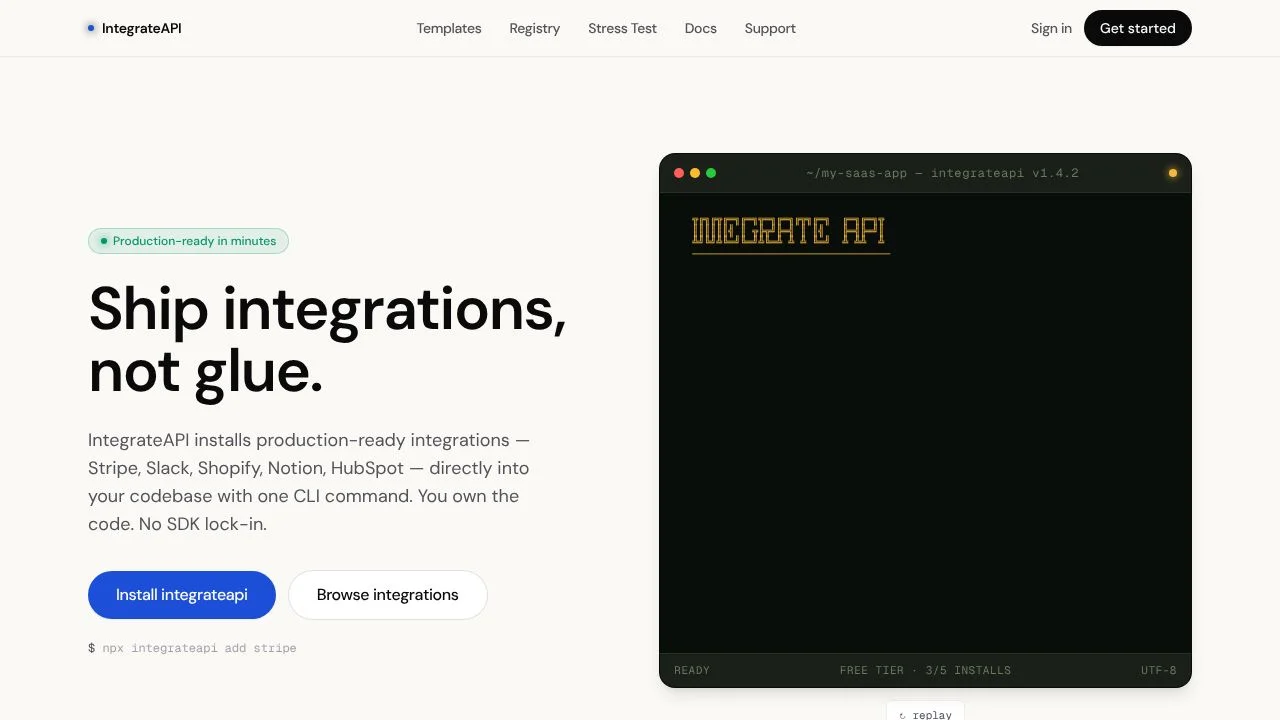
IntegrateAPI is a command-line tool for developers who need to add service integrations to a project. It installs template files into the codebase, including typed clients, webhook handlers, environment scaffolding, and route handlers. Instead of assembling these pieces by hand, a developer can choose an integration from the catalog and use the CLI to add its files to a project. The result is project code that can be inspected and worked with alongside the rest of the application.
The tool is aimed at developers building applications that connect to external services. Its catalog covers areas such as payments, email, databases, productivity, AI, authentication, analytics, storage, and communication. The CLI also includes commands for scanning a project, upgrading templates, installing preset stacks, viewing account information, and checking setup.
What can IntegrateAPI do?
IntegrateAPI provides a catalog of integration templates and a CLI for bringing them into a project. The homepage describes the CLI as detecting the framework, writing files into project folders, patching package.json, and generating environment templates. The available CLI operations also include listing integrations, scanning a project for existing integrations, and checking setup.
Template contents depend on the integration. The site describes typed clients, webhook handlers, environment scaffolding, and route handlers as template components. For example, the Stripe template includes payments, subscriptions, webhooks, a customer portal, and typed client and webhook helpers.
- List integrations in the catalog and add a chosen template to a project.
- Upgrade an existing integration template or scan a project for integrations.
- Install preset stacks and check project setup with the CLI.
- Use templates with typed clients, webhook handlers, environment scaffolding, or route handlers.
Who is IntegrateAPI best for?
IntegrateAPI is for developers who want to add service integrations to an application and manage the resulting template files in their project. It may suit someone choosing from the catalog’s categories, such as payments, email, databases, or authentication, or someone using a preset stack. Developers should check the chosen template and their project setup before relying on it: the CLI reference instructs users to run commands from a Next.js project root, while the homepage describes framework detection. The broader framework support should be tested in the intended project.
IntegrateAPI pricing in brief
IntegrateAPI has a free option with a limited number of integrations and a paid option that includes more integrations, access to all templates, and priority support. The free option includes CLI access, registry access, and community support. Check the current plan details on the official site before choosing, since the listed plan information may change.
Limitations to know about IntegrateAPI
The free plan is limited to five integrations, and the homepage says the paid plan is needed for unlimited integrations and all templates. Some catalog entries are marked Pro. The CLI reference says commands are run from a Next.js project root, while the homepage describes framework detection and other framework support; verify compatibility with your own project before installing. The official catalog and homepage give different template counts, so this description does not state a total.
Alternatives to IntegrateAPI
For developers comparing ways to build applications with integrations, LangChain is an alternative to consider for work involving AI application frameworks, while Retool is another option to compare for building software connected to services. These tools are not presented as having the same workflow as IntegrateAPI: IntegrateAPI’s verified offering is a CLI and catalog that install integration template files into a project. Compare each product’s current capabilities and fit for your project before deciding.


